
Reports
Build saved reports with the columns and filters you need, schedule them, and send them to your team or your clients.
What It Does
Pick what a report lists, choose the columns and filters, and see a live preview with the row count as you go. Save it, download it as a CSV, send it now or put it on a schedule such as weekly, and name the team members to tell. Every run is recorded in its history.
A report can also go to someone outside the team. Limit it to one client, add their address under Who to tell, and they receive it on their customer dashboard. The platform warns you that the address becomes a dashboard user, and asks you to confirm.
- Columns and filters with a live preview
- Schedule and send to your team
- Share with a client through their dashboard
- A run history for every report
What It Solves
Monthly reports built by hand in a spreadsheet eat a day and are out of date when they arrive. Saved and scheduled reports go out on time and from live data.
Works Hand in Hand With
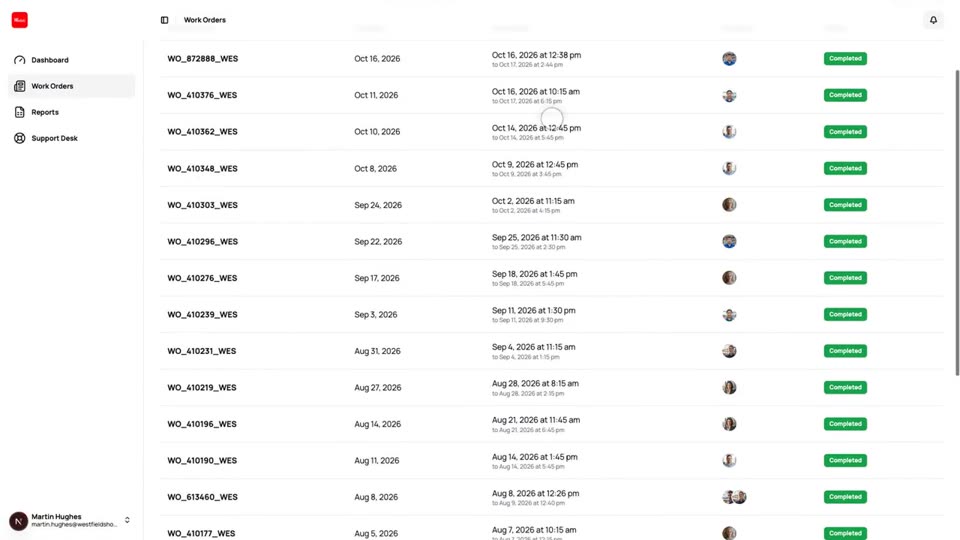
Customer Dashboard
A separate view where your clients follow their own work orders, download forms and reports and raise tickets.
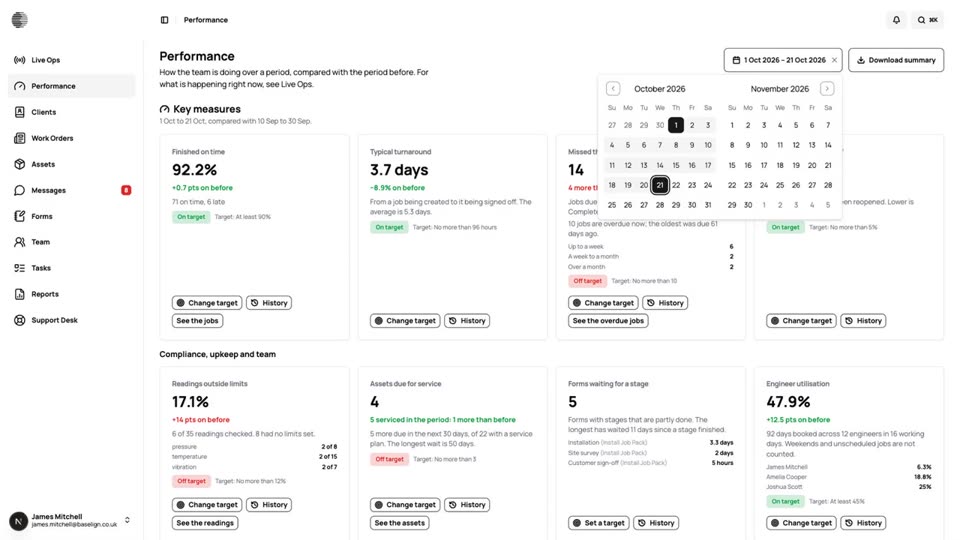
Performance & Targets
Key measures for the period, compared with the one before, with targets, a 90-day history and a downloadable summary.
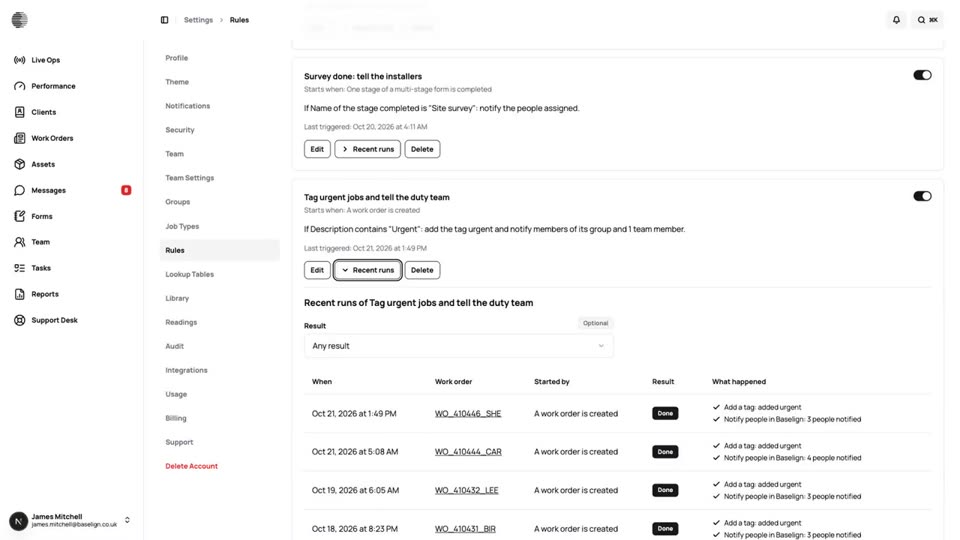
Rules & Automations
Choose a trigger, add conditions and have the platform tag, notify and update for you, with a safe test and a run history.
Try Reports With Your Own Team.
Start a free trial, or tell us what you need and we'll show you around.