
Customer Dashboard
A separate view where your clients follow their own work orders, download forms and reports and raise tickets.
What It Does
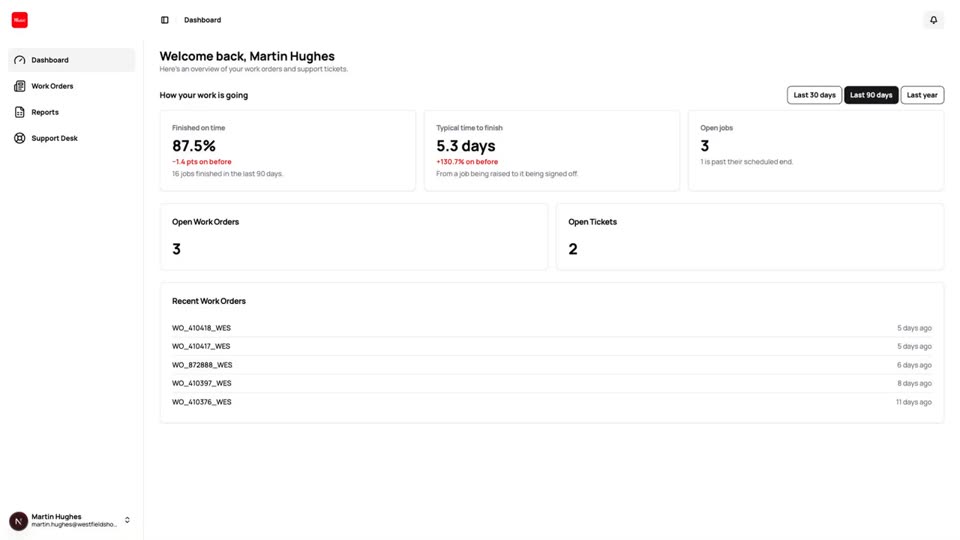
Your clients sign in to their own dashboard, which shows only their open work, their support tickets and their recent work orders. They can browse, search and filter their work orders and open one to see its details, assignment and history. Where a form has several stages, they can see its progress and download a copy of each completed stage. Reports you share appear on a Reports page ready to download.
Internal details such as cost, tags and notes stay hidden.
- Only their own work orders, never internal details
- Forms and a copy of each stage
- Reports shared with them
- Support tickets in one place
What It Solves
Clients ringing the office to ask where a job is takes time from both sides. Giving them a window onto their own work answers the question before it is asked.
Works Hand in Hand With
Customer Key Measures
Show clients how their work is going: jobs finished, how many on time, typical time to finish and what is open or overdue.
Support Desk
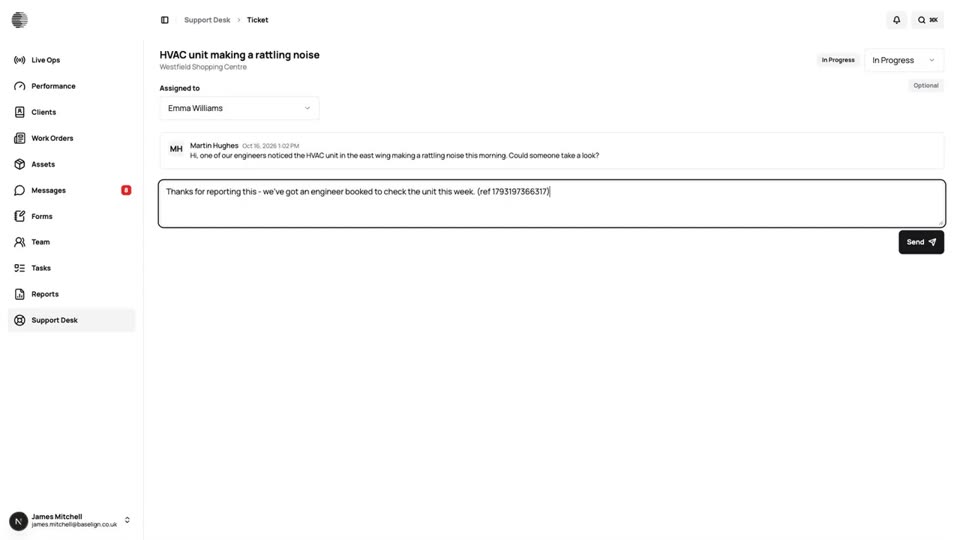
Clients raise tickets from their dashboard, and your team assigns, updates and replies, with tickets linked to work orders.
Clients
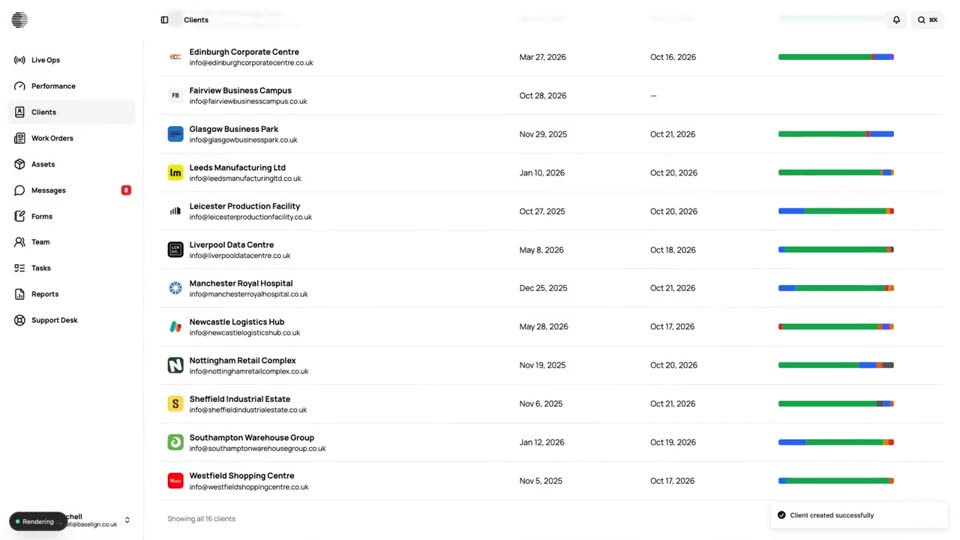
One record per client with sites, contacts, custom fields, billing details, portal access and a full history.
Try Customer Dashboard With Your Own Team.
Start a free trial, or tell us what you need and we'll show you around.