
Clients
One record per client with sites, contacts, custom fields, billing details, portal access and a full history.
What It Does
Add a client in a short guided flow: the details, their main site, any custom fields you use and their billing and finance information. From the client's page you can see their work orders, assets and history, and invite their people to the customer dashboard from the Access tab.
Clients can be placed in groups, such as regions or branches, so that the right team members see the right clients.
- Guided set-up with sites and billing details
- Invite client contacts to the customer dashboard
- Custom fields for what you track
- A history of changes on every client
What It Solves
Client information scattered across a CRM, an inbox and a spreadsheet means every job starts with a search. A single client record puts the contacts, sites, billing and history where the work happens, and gives the client a controlled way in.
Works Hand in Hand With
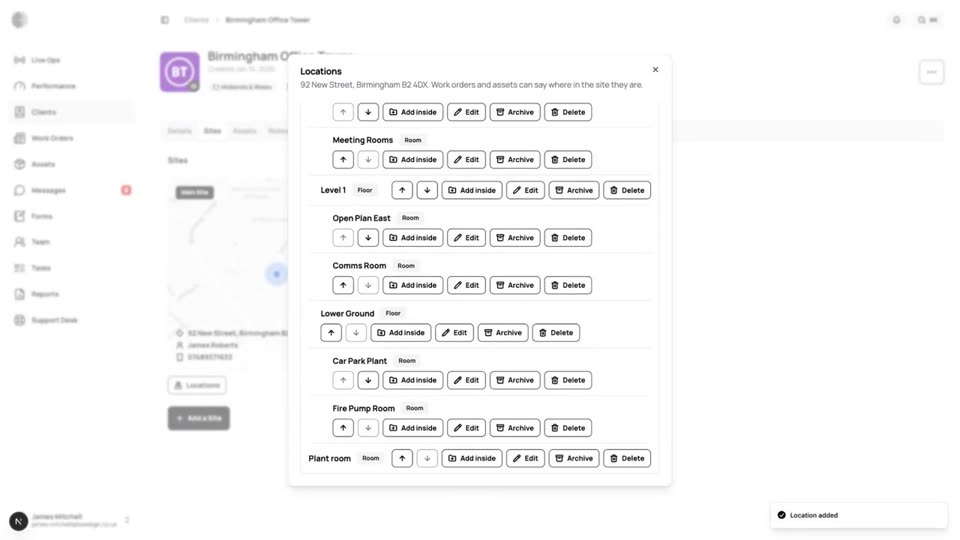
Sites & Locations
Break a site down into buildings, floors and rooms, and pick the exact location on a work order.
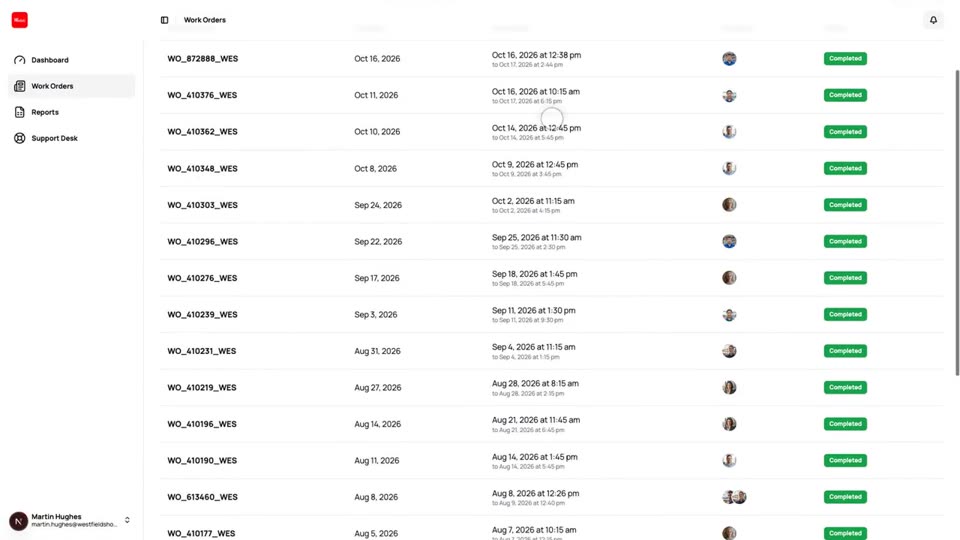
Customer Dashboard
A separate view where your clients follow their own work orders, download forms and reports and raise tickets.
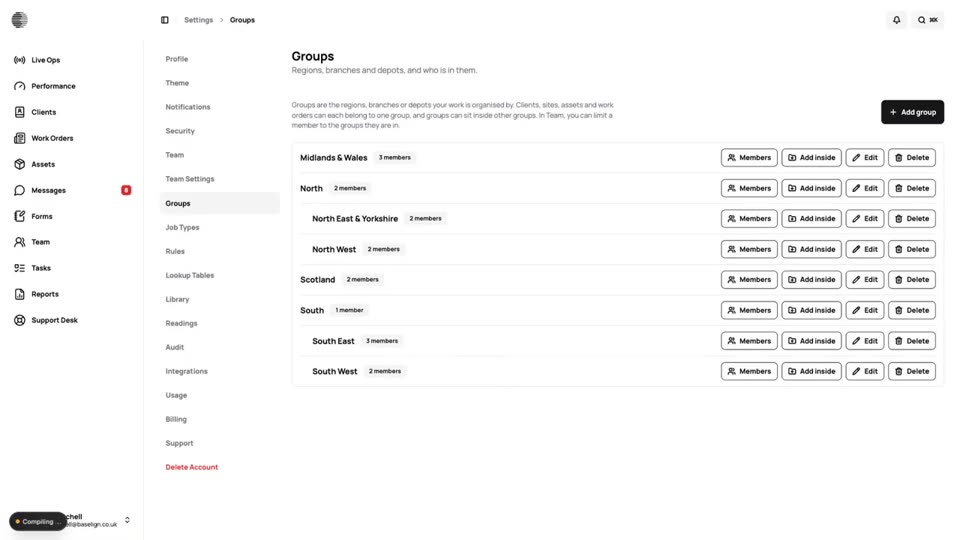
Groups & Scoped Visibility
Organise clients into regions or branches and limit team members to the groups they look after.
Try Clients With Your Own Team.
Start a free trial, or tell us what you need and we'll show you around.