
Sites & Locations
Break a site down into buildings, floors and rooms, and pick the exact location on a work order.
What It Does
Each client can have several sites, and each site can have a tree of locations underneath it: building, floor, room, as deep as you need. Add locations as you go.
When you create a work order for the site you pick the exact location, so the engineer knows where to go and the history of that part of the building builds up over time.
- A building, floor and room tree for each site
- Add locations as you work
- Pick the location on the work order
- Site history that stays with the place
What It Solves
“Plant room, second floor” is the difference between a quick visit and twenty minutes of searching. Locations take the guesswork out of large sites and let you see what has happened in a specific part of a building.
Works Hand in Hand With
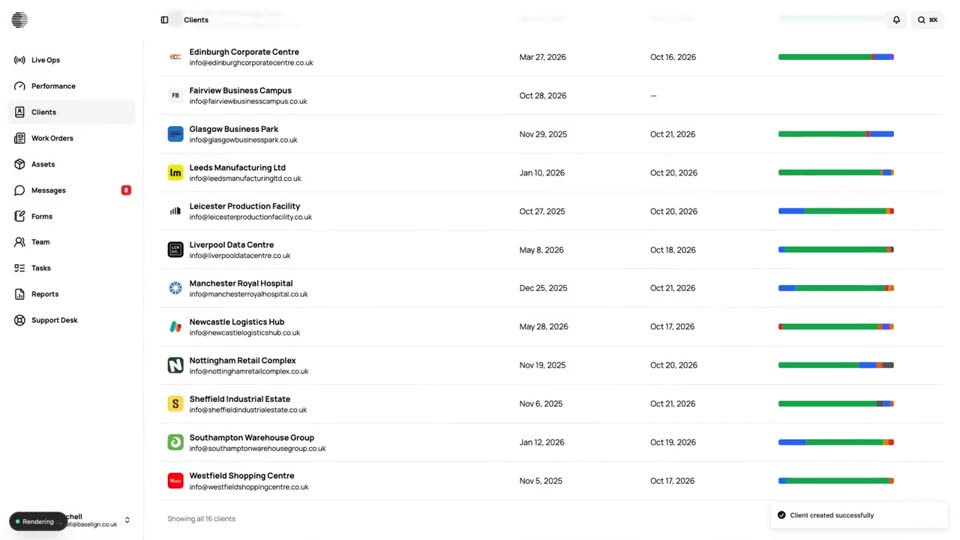
Clients
One record per client with sites, contacts, custom fields, billing details, portal access and a full history.
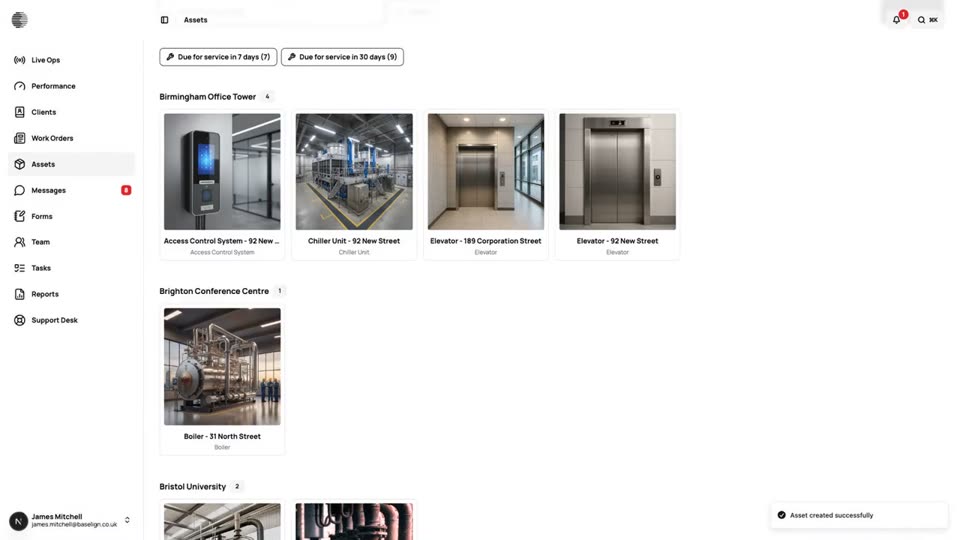
Assets
A register of everything you maintain, with photos, notes, documents, readings and the history of every job done on it.
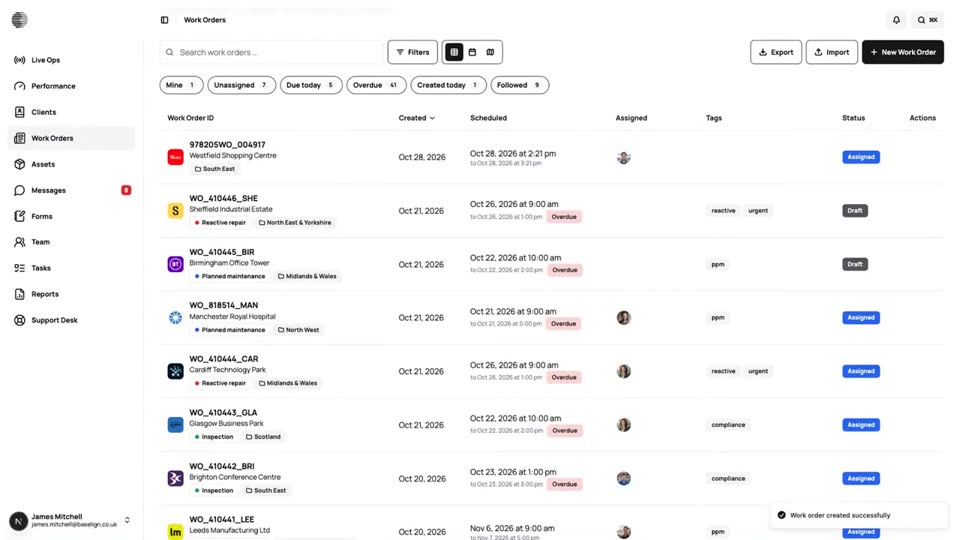
Work Orders
Create, assign and schedule jobs for a client and site, see them on a calendar and a map, and export the full record.
Try Sites & Locations With Your Own Team.
Start a free trial, or tell us what you need and we'll show you around.