
Support Desk
Clients raise tickets from their dashboard, and your team assigns, updates and replies, with tickets linked to work orders.
What It Does
A client raises a ticket in their dashboard, optionally linking it to a work order. On your side, filter the ticket list, open a ticket, assign it to a colleague, update its status and reply in the thread. The client sees your replies and the status as they change.
- Tickets raised from the client’s dashboard
- Assign, set status and reply
- Linked to the relevant work order
- Filter by status and assignee
What It Solves
Issues reported by phone and email are easy to lose. A ticket has an owner, a status and a thread, and stays linked to the job it is about.
Works Hand in Hand With
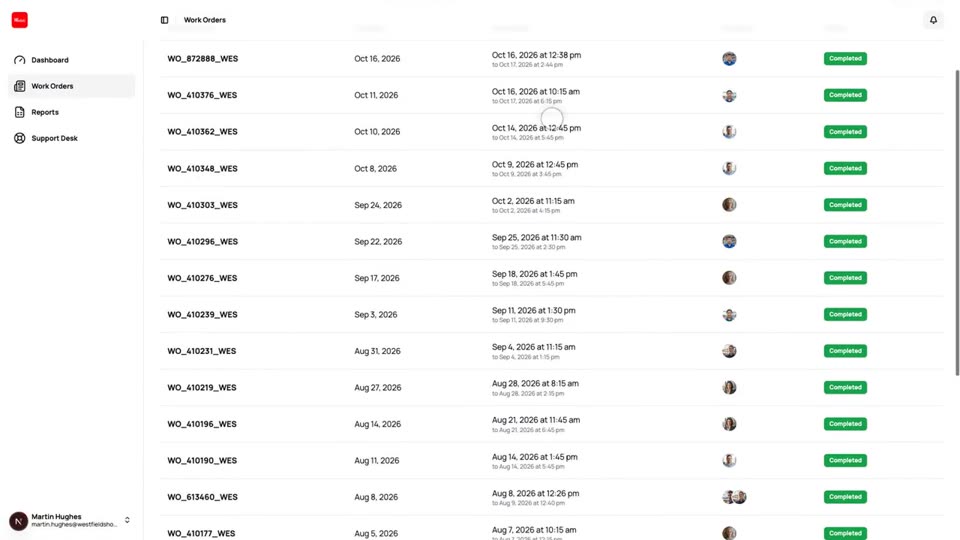
Customer Dashboard
A separate view where your clients follow their own work orders, download forms and reports and raise tickets.
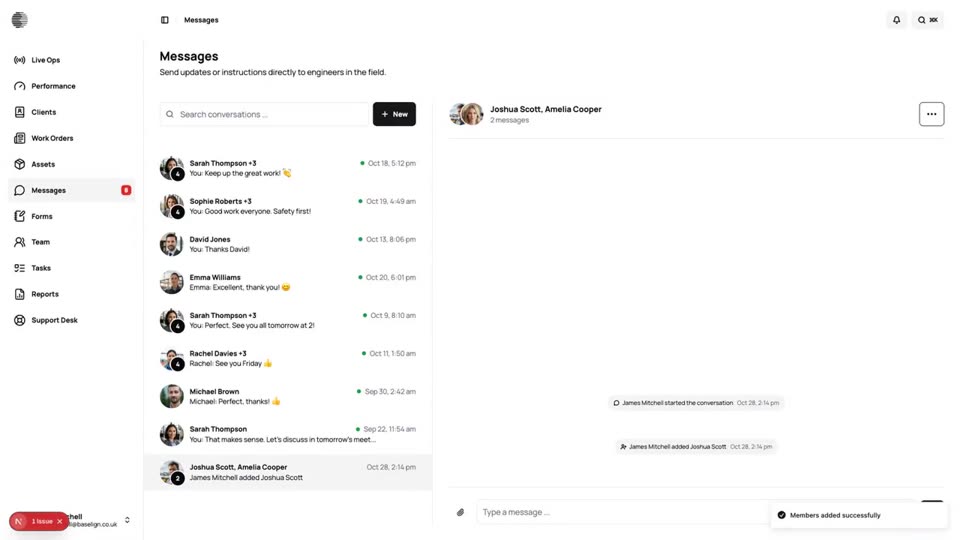
Messaging
Direct and group conversations across the office and the field, on the web and in the mobile app.
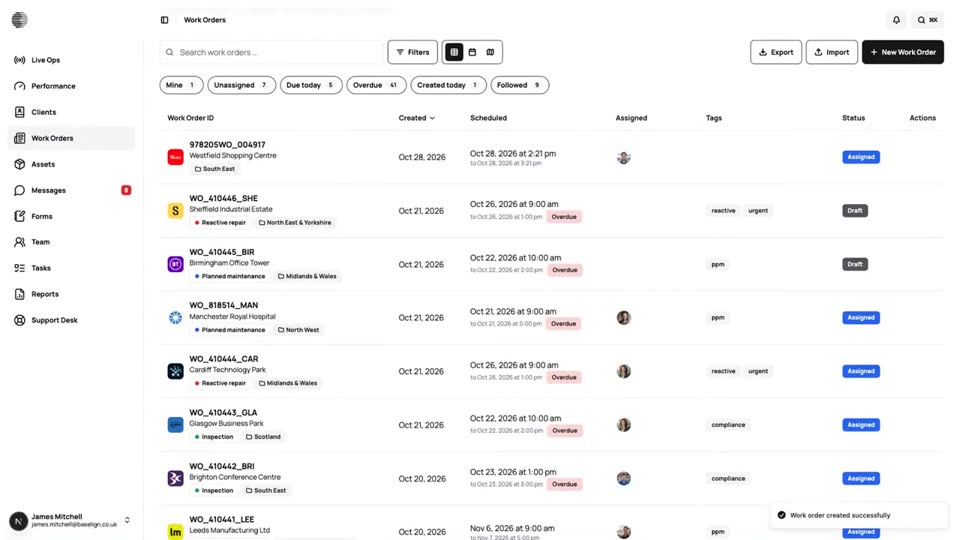
Work Orders
Create, assign and schedule jobs for a client and site, see them on a calendar and a map, and export the full record.
Try Support Desk With Your Own Team.
Start a free trial, or tell us what you need and we'll show you around.