
Rules & Automations
Choose a trigger, add conditions and have the platform tag, notify and update for you, with a safe test and a run history.
What It Does
A rule says when something happens, only if certain conditions are true, then do this. For example, tag an urgent job and tell the duty team. Choose the trigger, add conditions, and pick the actions.
Before you rely on a rule, test it against a real work order: it shows what the rule would do and nothing is sent or changed. Each rule keeps a history of its recent runs.
- When, only if and then do this
- Several kinds of action
- Test on a work order without sending anything
- A history of recent runs
What It Solves
Manual chasing and re-keying is slow and gets forgotten at the worst moment. Rules make the routine reactions automatic, and the test and run history mean you can trust them.
Works Hand in Hand With
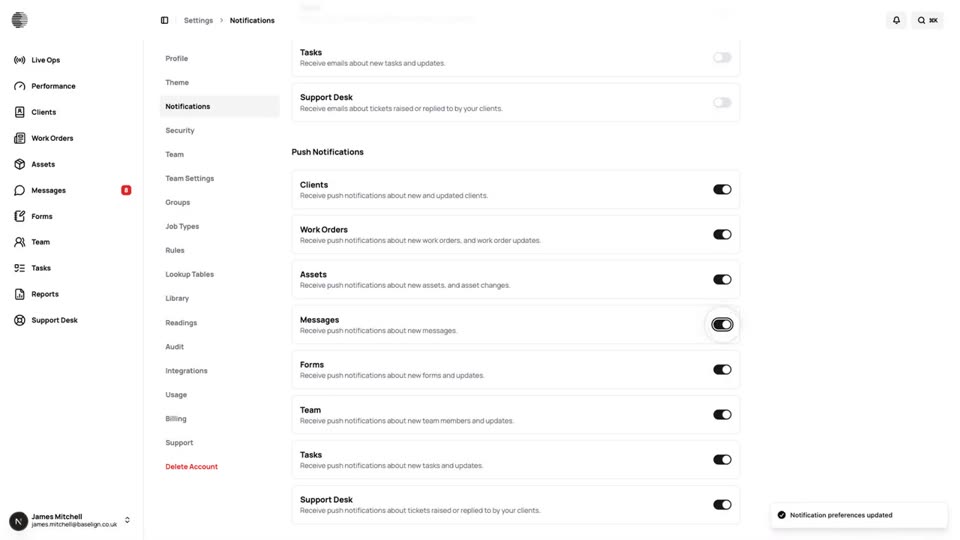
Notifications
Each person chooses what they are told about, by email and by push, with rules adding recipients on top.
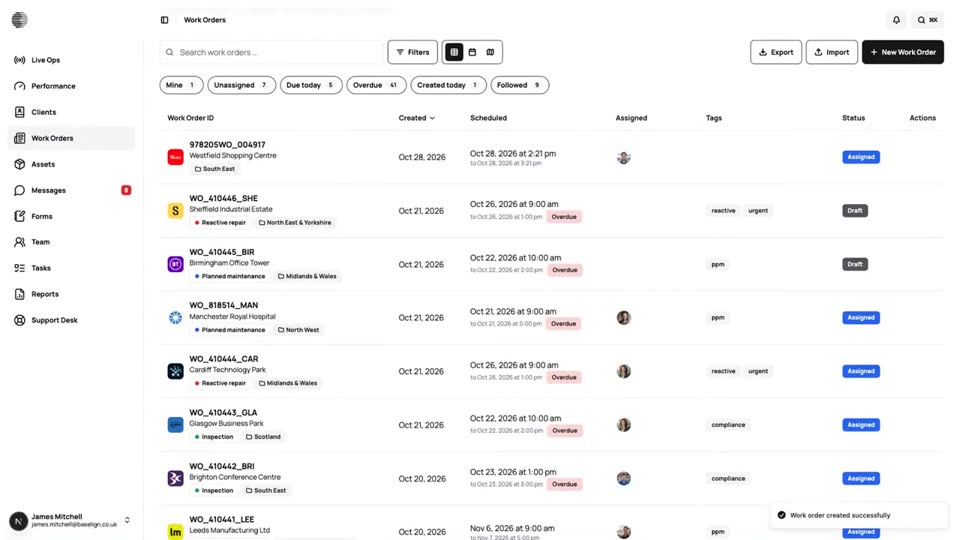
Work Orders
Create, assign and schedule jobs for a client and site, see them on a calendar and a map, and export the full record.
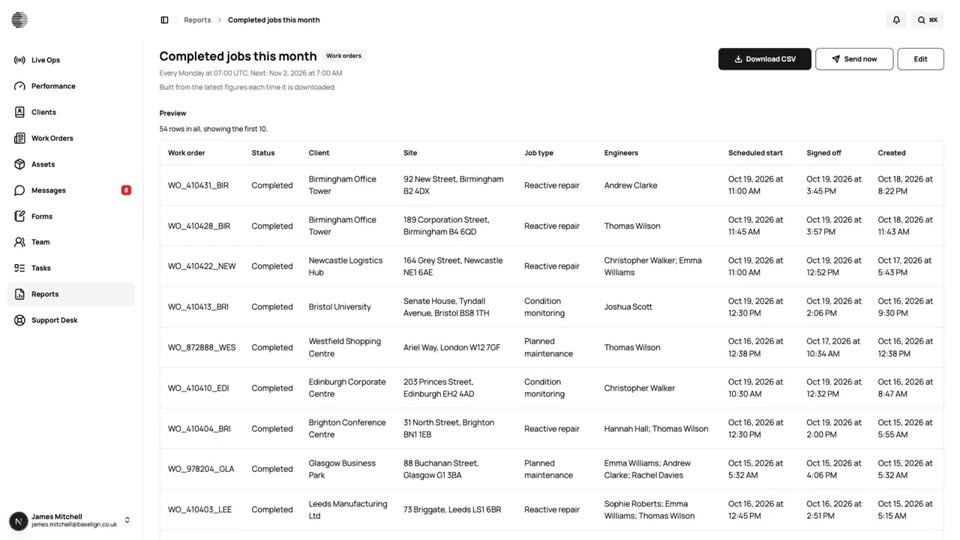
Reports
Build saved reports with the columns and filters you need, schedule them, and send them to your team or your clients.
Try Rules & Automations With Your Own Team.
Start a free trial, or tell us what you need and we'll show you around.