
Multi-Stage Forms
Split a form into stages completed by different people, such as survey, installation and customer sign-off, each with its own copy.
What It Does
A multi-stage form is one form completed in turns by different people: for example a site survey, then the installation, then the customer’s sign-off. You can see which stages are complete and which are still waiting.
Each completed stage has its own copy that can be downloaded, and customers can download the copy of a stage from their dashboard.
- Stages completed by different people
- See which stages are done and which are waiting
- A downloadable copy of each stage
- Forms waiting counted on Live Ops
What It Solves
Real jobs are not finished by one person in one visit. Staging the form matches how the work actually flows, shows what is holding a job up, and gives everyone a clear record of who completed which part.
Works Hand in Hand With
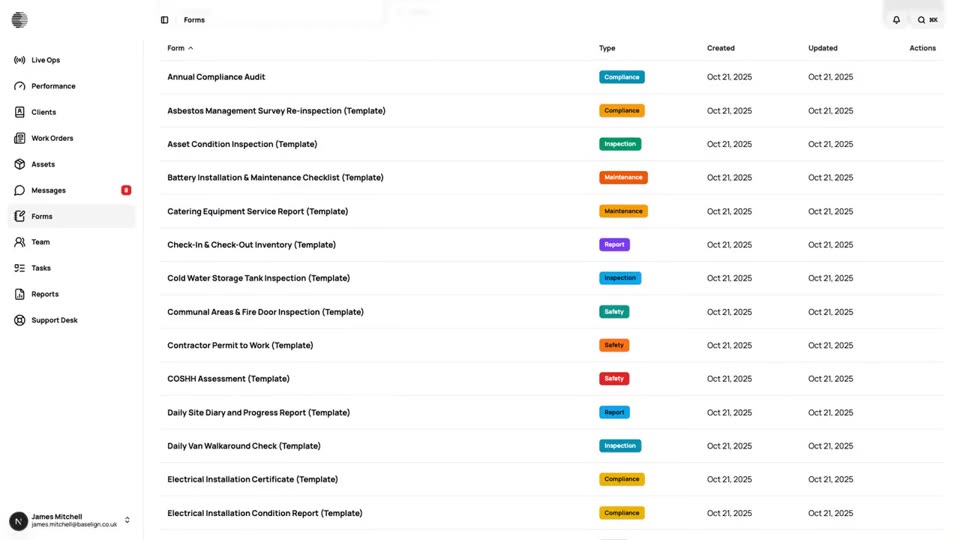
Form Builder
Build inspection and job forms with a drag-and-drop builder, show fields conditionally and review the submissions that come in.
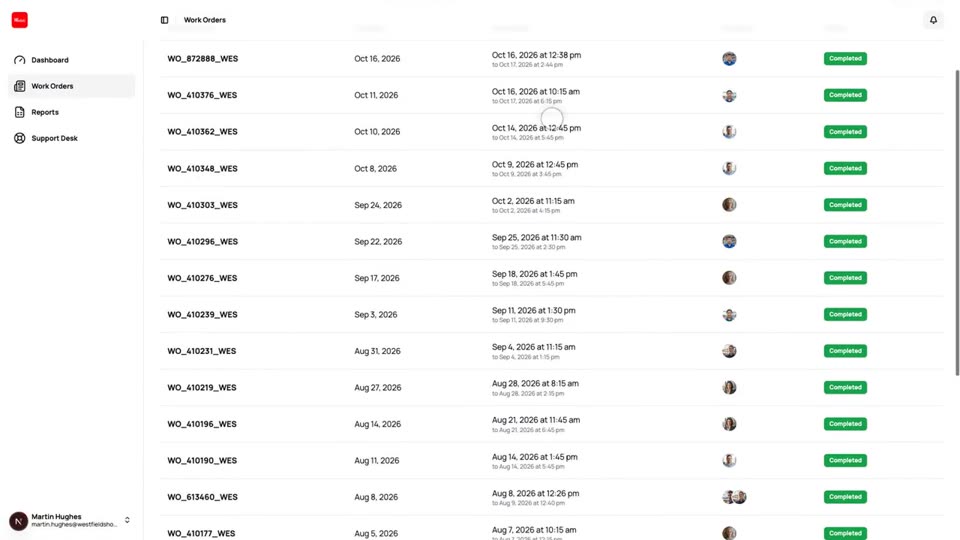
Customer Dashboard
A separate view where your clients follow their own work orders, download forms and reports and raise tickets.
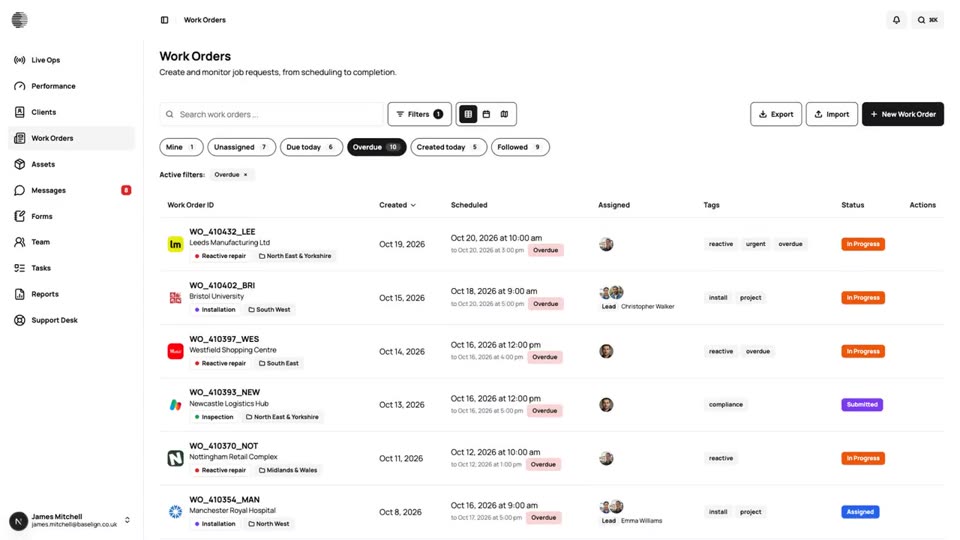
Live Ops
The home page for your operation: what needs attention, what is in progress and who is free, updated live through the day.
Try Multi-Stage Forms With Your Own Team.
Start a free trial, or tell us what you need and we'll show you around.