
Live Ops
The home page for your operation: what needs attention, what is in progress and who is free, updated live through the day.
What It Does
Live Ops is the first thing your team sees after signing in. A summary line tells you the state of the day in a sentence, and a row of Needs attention cards counts the jobs that are overdue, due today, unassigned and awaiting sign-off, the forms waiting for another stage, the assets due for service and the readings outside their limits.
Below that, open work is broken down by status, jobs in progress show who is on them and for how long, and a Team right now panel shows who is on a job, who has one scheduled and who is free. A latest activity feed keeps the rest in view. Click any card and you land on the matching list of work orders.
- Needs attention cards that open the matching work orders
- Open work by status and jobs in progress
- Who is on a job, scheduled or free right now
- A live status, a refresh button and a latest activity feed
What It Solves
Most field teams start the day with phone calls, messages and a spreadsheet to find out what has slipped. Live Ops puts that picture in one place and keeps it current, so problems are seen and picked up before a client has to chase.
Works Hand in Hand With
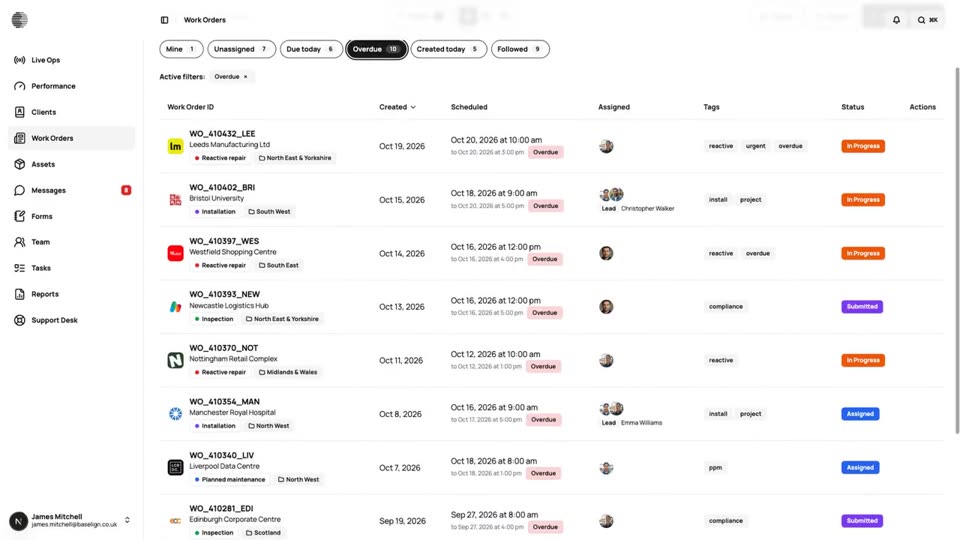
Quick Views & Live Updates
Jump to Mine, Unassigned, Due today, Overdue or Followed with live counts that refresh as colleagues create and update work.
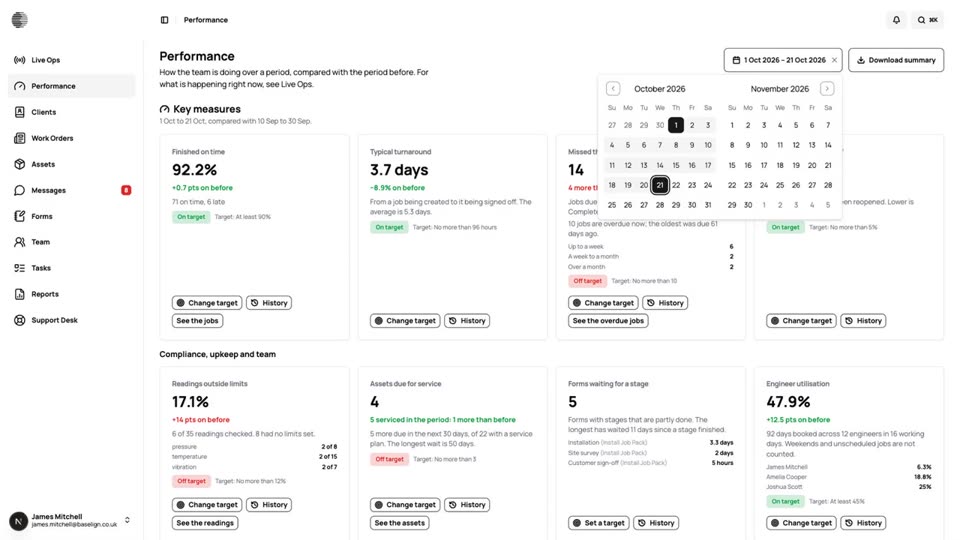
Performance & Targets
Key measures for the period, compared with the one before, with targets, a 90-day history and a downloadable summary.
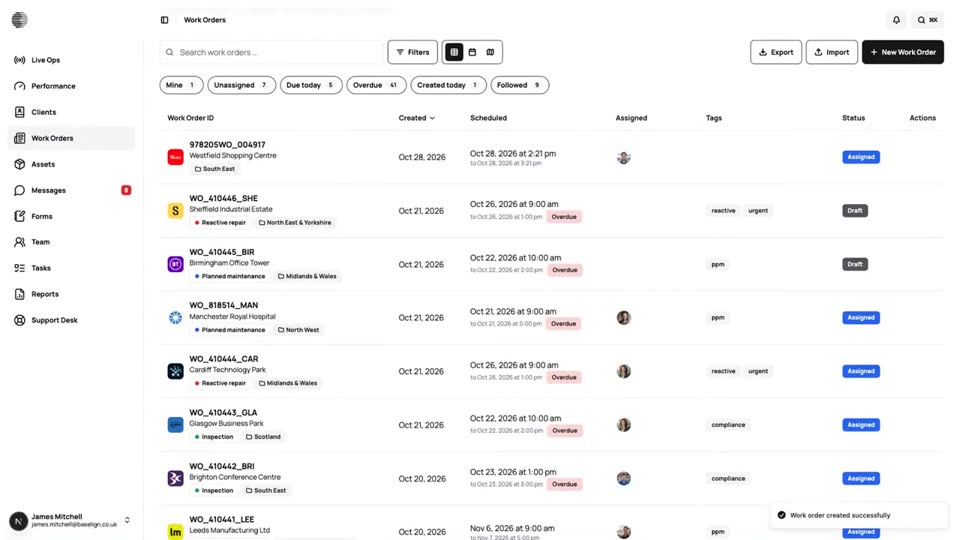
Work Orders
Create, assign and schedule jobs for a client and site, see them on a calendar and a map, and export the full record.
Try Live Ops With Your Own Team.
Start a free trial, or tell us what you need and we'll show you around.