
Quick Views & Live Updates
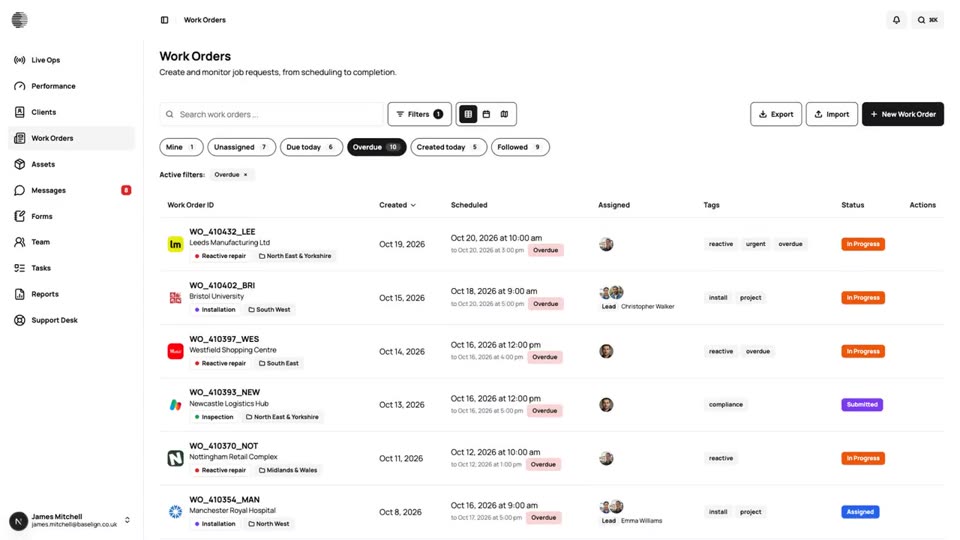
Jump to Mine, Unassigned, Due today, Overdue or Followed with live counts that refresh as colleagues create and update work.
What It Does
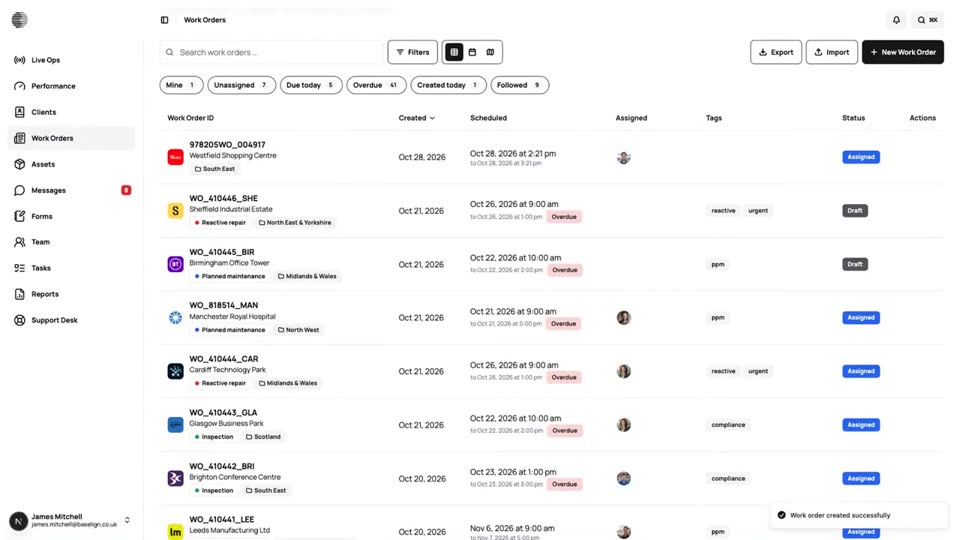
The work orders list opens with quick views across the top: Mine, Unassigned, Due today, Overdue, Created today and Followed. Each shows a live count, and one click filters the list to exactly those jobs.
The list and the counts refresh by themselves. When a colleague, or an engineer on the phone app, creates or changes a work order, you see it without reloading. Follow any work order to add it to your Followed view and keep an eye on it without being assigned to it.
- Six quick views with live counts
- The list refreshes without a reload
- Follow a job without being assigned to it
- Open any work order straight from the list
What It Solves
Dispatchers and managers spend a lot of the day asking the same questions: what is mine, what is nobody's, what is late. Quick views answer them in one click, and live updates mean you are never working from a stale list.
Works Hand in Hand With
Work Orders
Create, assign and schedule jobs for a client and site, see them on a calendar and a map, and export the full record.
Live Ops
The home page for your operation: what needs attention, what is in progress and who is free, updated live through the day.
Notifications
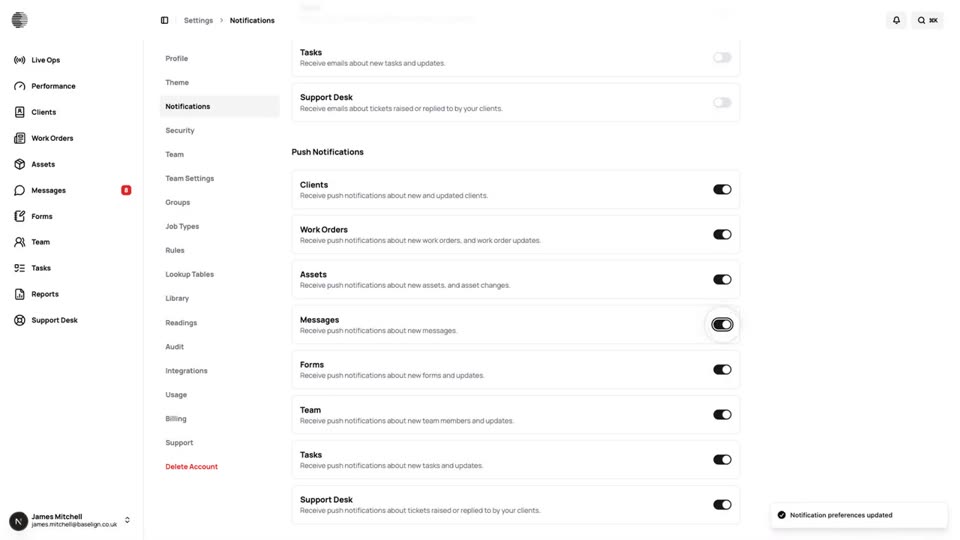
Each person chooses what they are told about, by email and by push, with rules adding recipients on top.
Try Quick Views & Live Updates With Your Own Team.
Start a free trial, or tell us what you need and we'll show you around.