
Lookup Tables
Keep lists such as parts or pump models in one table and let a form fill other fields in from the row you choose.
What It Does
Create a lookup table, say Pump models, with the columns and rows you need. Save it as a version when you are happy with it. In the form builder, add a lookup element that offers the rows, and fill other fields in automatically from the row an engineer chooses.
- Tables with your own columns and rows
- Saved as versions
- A lookup element in the form builder
- Fills other fields from the chosen row
What It Solves
Typing part numbers and descriptions by hand on site leads to typos and inconsistent data. Choosing a row from a maintained list is faster, and what you capture is clean enough to report on.
Works Hand in Hand With
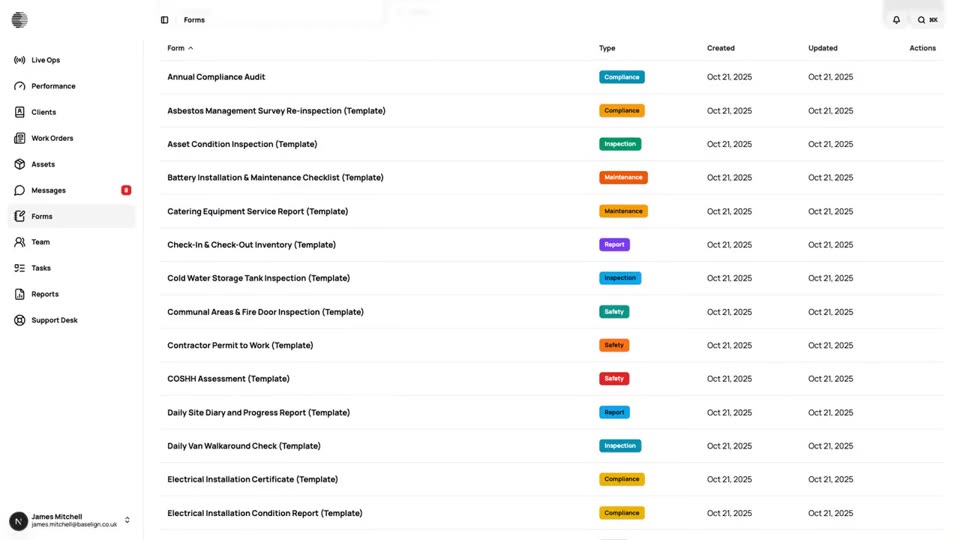
Form Builder
Build inspection and job forms with a drag-and-drop builder, show fields conditionally and review the submissions that come in.
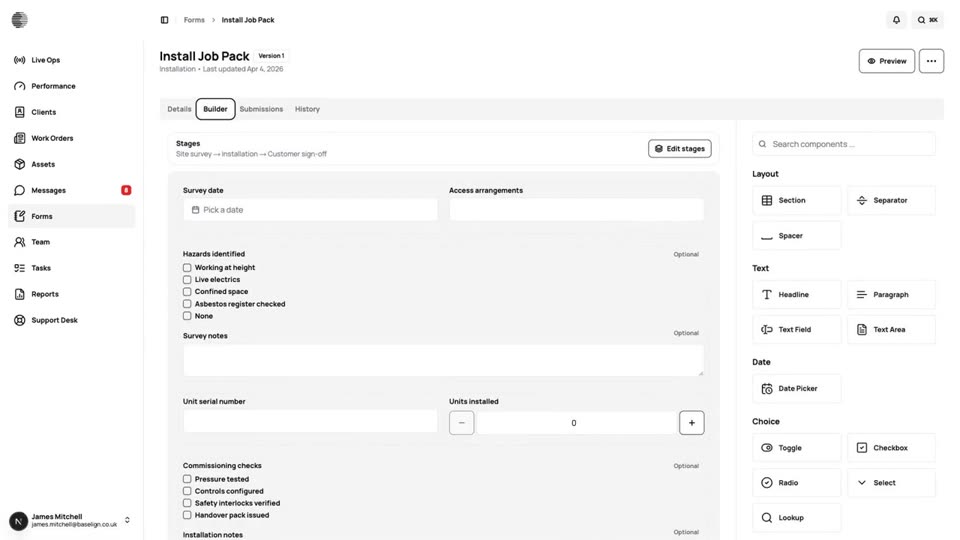
Multi-Stage Forms
Split a form into stages completed by different people, such as survey, installation and customer sign-off, each with its own copy.
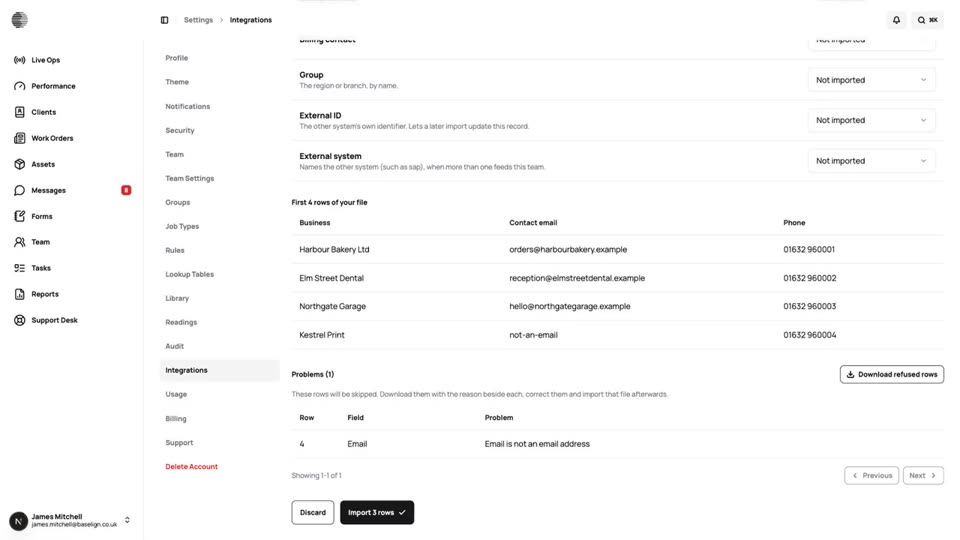
CSV Imports
Bring your existing clients in from a spreadsheet, check a dry run first and download any rows that were refused.
Try Lookup Tables With Your Own Team.
Start a free trial, or tell us what you need and we'll show you around.