
CSV Imports
Bring your existing clients in from a spreadsheet, check a dry run first and download any rows that were refused.
What It Does
Choose what the file contains, attach it, and match any column the platform could not guess. A dry run then shows what would be created, without writing anything. When you are happy, start the import and download the rows that were refused, with the reason for each.
- Match columns by hand where needed
- A dry run before anything is written
- Download the rows that were refused
- Start from the spreadsheet you already have
What It Solves
Re-keying hundreds of clients is slow and error-prone. Importing from the spreadsheet you already have gets a new team working quickly, and the dry run means no bad surprises.
Works Hand in Hand With
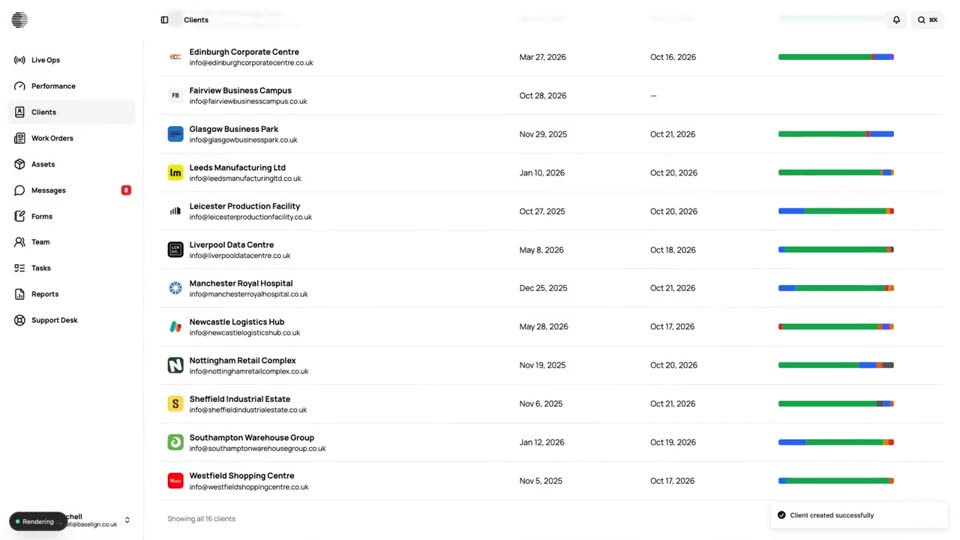
Clients
One record per client with sites, contacts, custom fields, billing details, portal access and a full history.
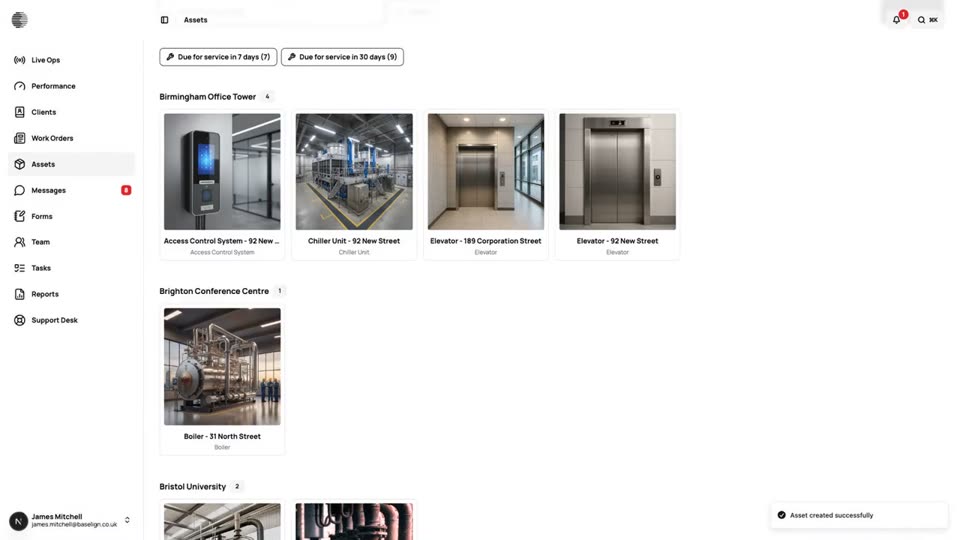
Assets
A register of everything you maintain, with photos, notes, documents, readings and the history of every job done on it.
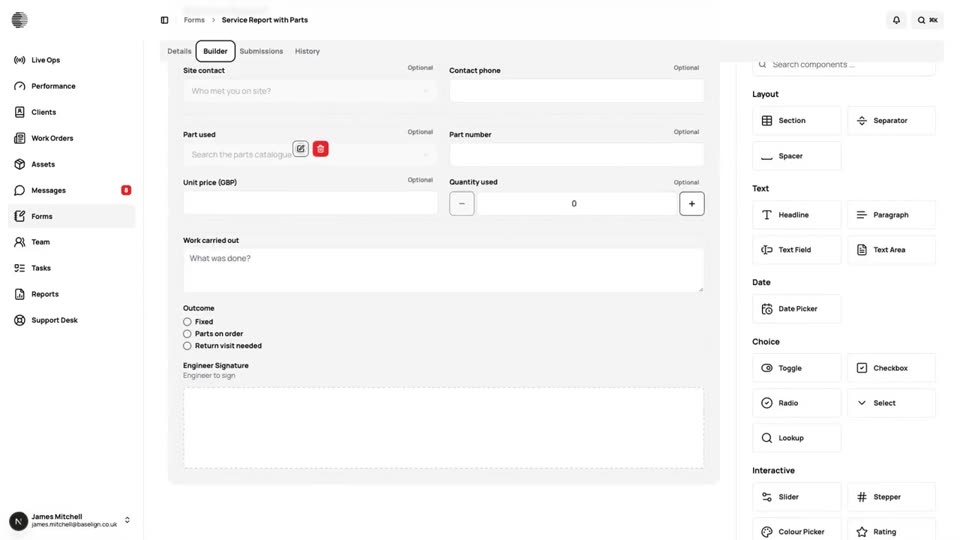
Lookup Tables
Keep lists such as parts or pump models in one table and let a form fill other fields in from the row you choose.
Try CSV Imports With Your Own Team.
Start a free trial, or tell us what you need and we'll show you around.