
Job Types & Custom Fields
Define the kinds of job you do, with default tags, required forms and your own custom fields, or start from a starter pack.
What It Does
A job type describes a kind of work: its name and colour, the tags it starts with, the forms it needs and which of them are required, and any custom fields you want captured, such as a purchase order number or access code. When someone starts a new work order and picks the job type, those forms, tags and fields come with it.
Starter packs give you a ready-made set of job types to begin from, so a new team does not start with a blank page.
- Name, colour and default tags
- Forms attached, with required ones marked
- Custom fields for what you need to know
- Starter packs to begin from
What It Solves
When every job is set up by hand, the right forms get missed and the same information is captured five different ways. Job types make the correct set-up the default, so work is consistent and the data is comparable.
Works Hand in Hand With
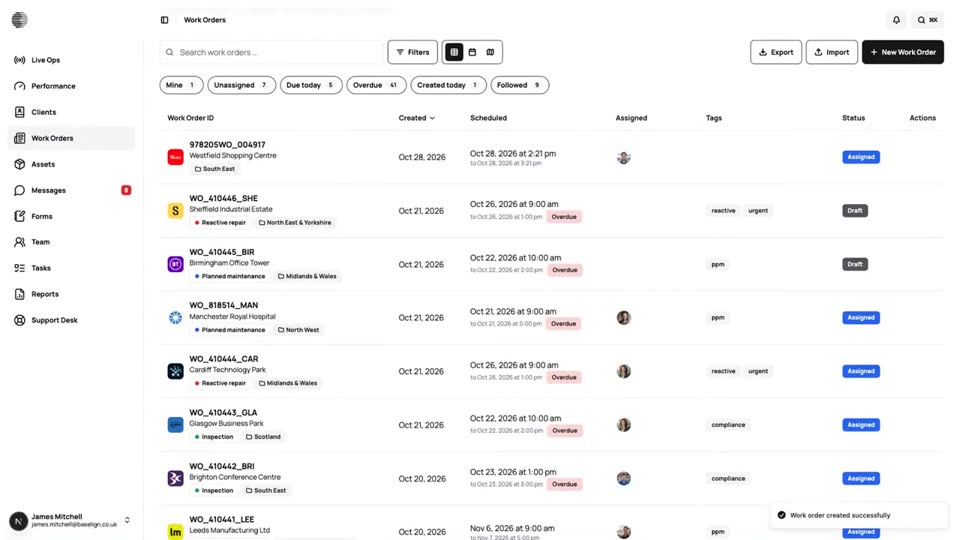
Work Orders
Create, assign and schedule jobs for a client and site, see them on a calendar and a map, and export the full record.
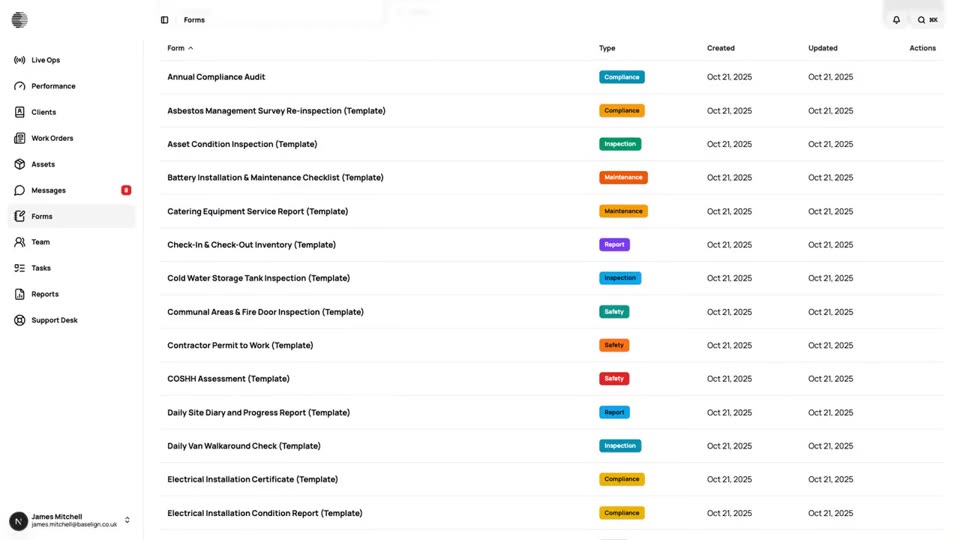
Form Builder
Build inspection and job forms with a drag-and-drop builder, show fields conditionally and review the submissions that come in.
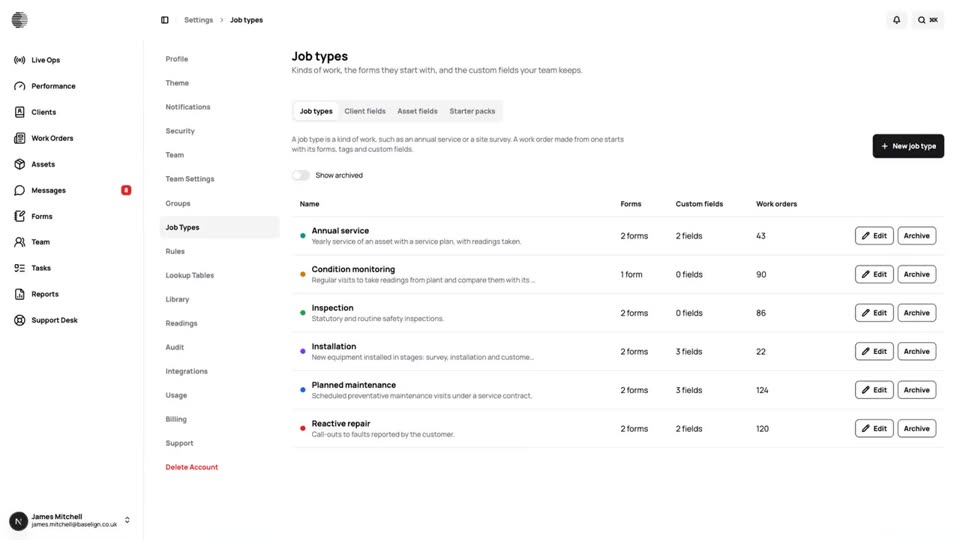
Document Library
Keep method statements, manuals and certificates in one library with versions, and put the right ones in front of the engineer.
Try Job Types & Custom Fields With Your Own Team.
Start a free trial, or tell us what you need and we'll show you around.