
Customer Quotes & Invoices
Customers see their quotes and invoices in their dashboard, with what is owed, how to pay and a PDF to download.
What It Does
Signed in to their dashboard, a customer has Quotes and Invoices pages listing everything you have sent them and what is still to pay. Opening an invoice shows it exactly as issued, the balance, your bank details and how to pay, and a PDF copy made when they ask for it.
The same pages open from the links in your emails, so a customer without a login can still read, download and accept. Cancelled invoices and withdrawn quotes say so, rather than showing out-of-date figures.
- Quotes and Invoices pages for every customer
- The balance and how to pay
- PDFs made on demand
- Links in emails, not attachments
What It Solves
Customers lose attachments and ask for copies. A place where they can always find their quotes and invoices, and see what they owe, saves both of you the back-and-forth.
Works Hand in Hand With
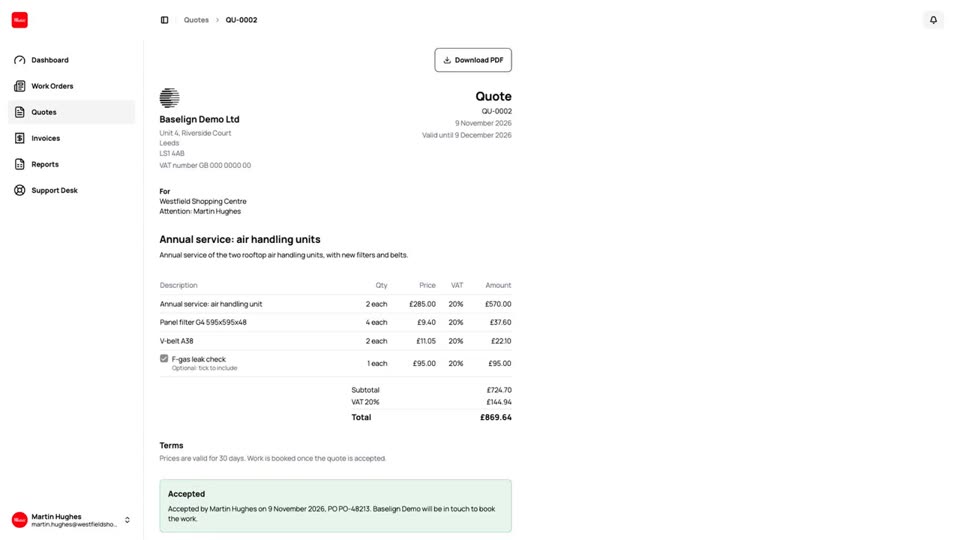
Quote Acceptance
Customers accept a quote online with a typed name and a tick, choose the optional lines and add their PO number.
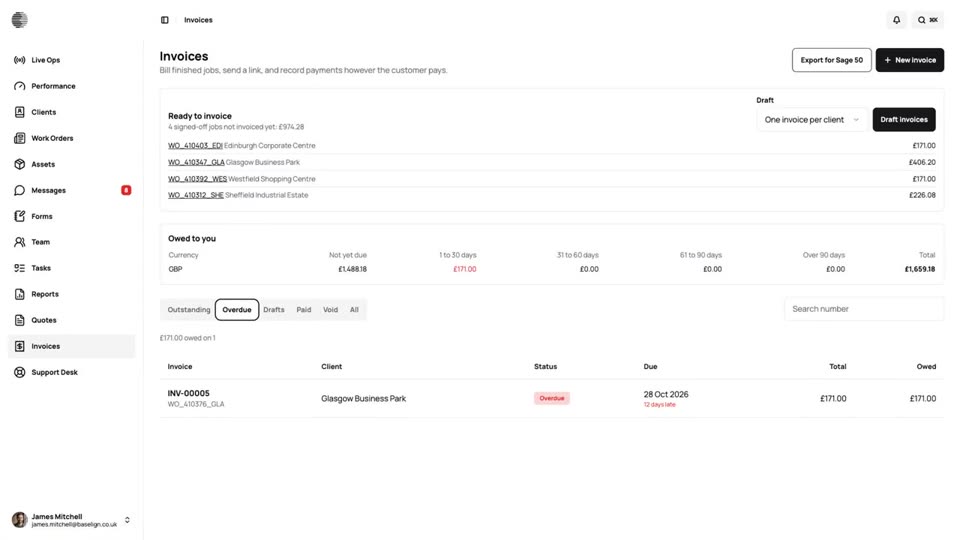
Getting Paid
See what you are owed and how late it is, record the payments you collect, and let reminders do the chasing.
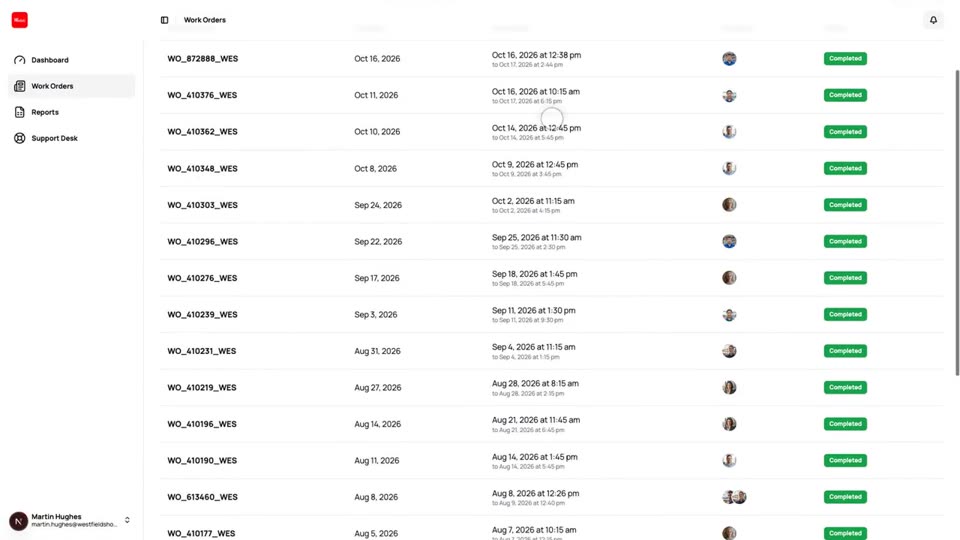
Customer Dashboard
A separate view where your clients follow their own work orders, download forms and reports and raise tickets.
Try Customer Quotes & Invoices With Your Own Team.
Start a free trial, or tell us what you need and we'll show you around.