
Quote Acceptance
Customers accept a quote online with a typed name and a tick, choose the optional lines and add their PO number.
What It Does
The customer opens the quote from the email link, or from Quotes in their dashboard. They tick the optional lines they want and the total updates. To accept, they type their name, add their PO number if they have one and tick to agree to the quote and its terms. Or they decline it, with a reason if they choose to give one.
The acceptance is recorded with the name, the time and the exact version of the quote they saw, and whoever sent the quote is told straight away. From there it becomes a work order in one click.
- A typed name and a tick, no account needed
- Optional lines chosen by the customer
- Their PO number on the quote and the invoice
- A record of the exact version accepted
What It Solves
Chasing a signed PDF back by email slows everything down. A typed name and a tick on a page the customer can open on any device is quick for them, and leaves you a clear record of what was agreed.
Works Hand in Hand With
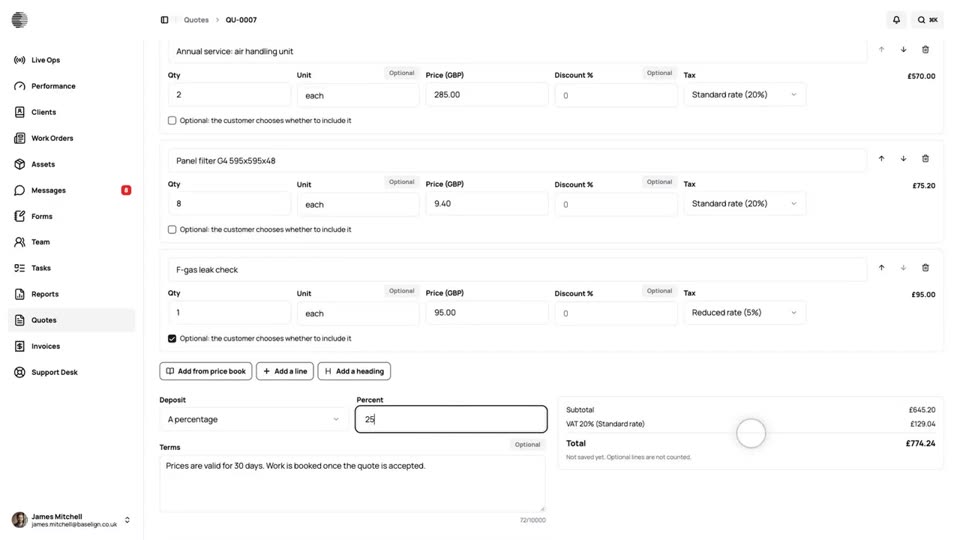
Quotes
Build a quote from your price book in a minute, with optional lines, a deposit and your terms, and send the customer a link to it.
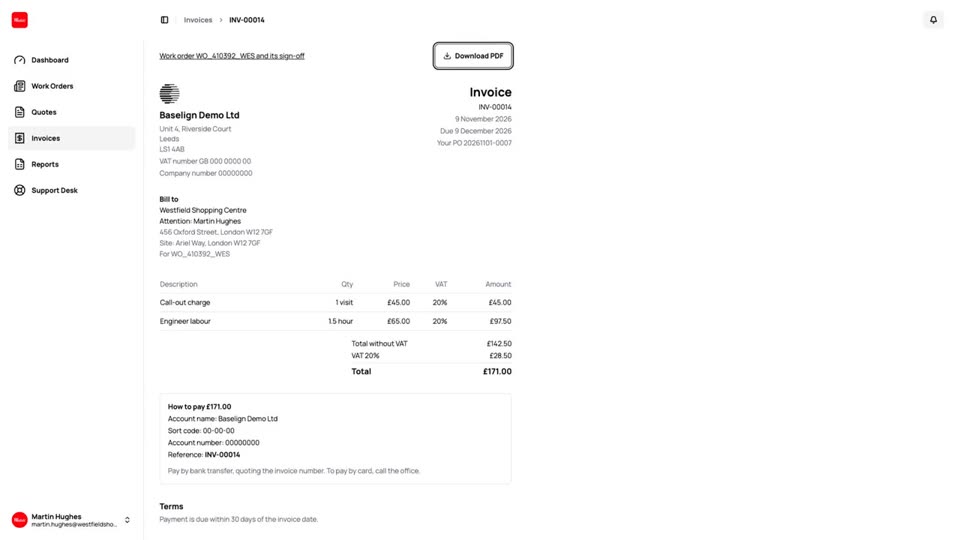
Customer Quotes & Invoices
Customers see their quotes and invoices in their dashboard, with what is owed, how to pay and a PDF to download.
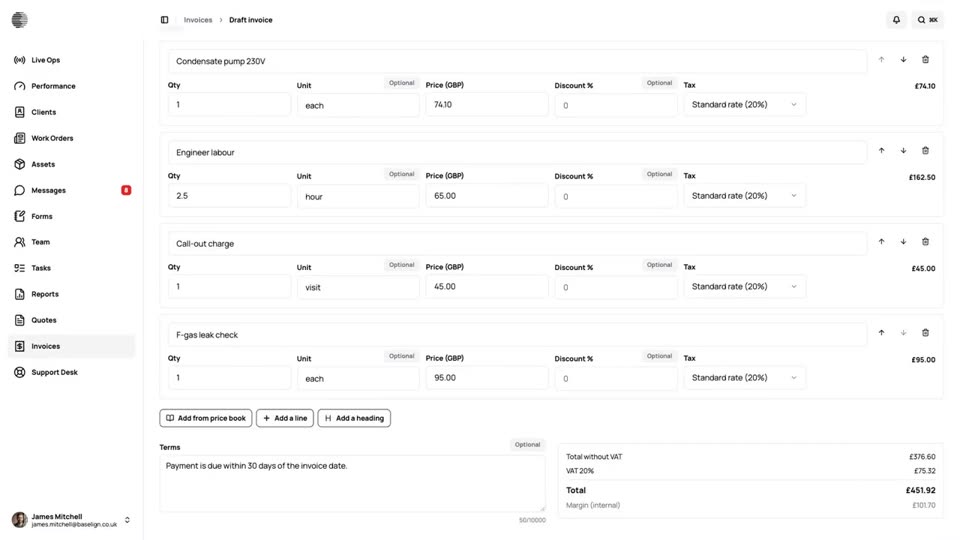
Quote to Cash
One job from the quote the customer accepts to the payment in the bank: the work order, the charges, the invoice and the payment, all in Baselign.
Try Quote Acceptance With Your Own Team.
Start a free trial, or tell us what you need and we'll show you around.