
Sign-Off & Locking
Completed work orders lock so the record cannot be quietly changed, and re-opening needs a reason that is written to the history.
What It Does
Once a work order is signed off, it is locked. A banner says so, and the details can no longer be edited. If something genuinely needs correcting, an authorised person uses the explicit Re-open action and gives a reason.
That reason, who re-opened the job and when are written to the work order's History, so the trail from completion to correction is always visible.
- Signed-off work orders are locked
- Re-open needs a reason
- Every re-open is written to the history
- Clear banner so nobody is surprised
What It Solves
A job record is only worth something as evidence if it cannot change after the fact. Locking at sign-off gives you a record you can stand behind in an audit or a dispute, while re-opening with a reason keeps real corrections possible and accountable.
Works Hand in Hand With
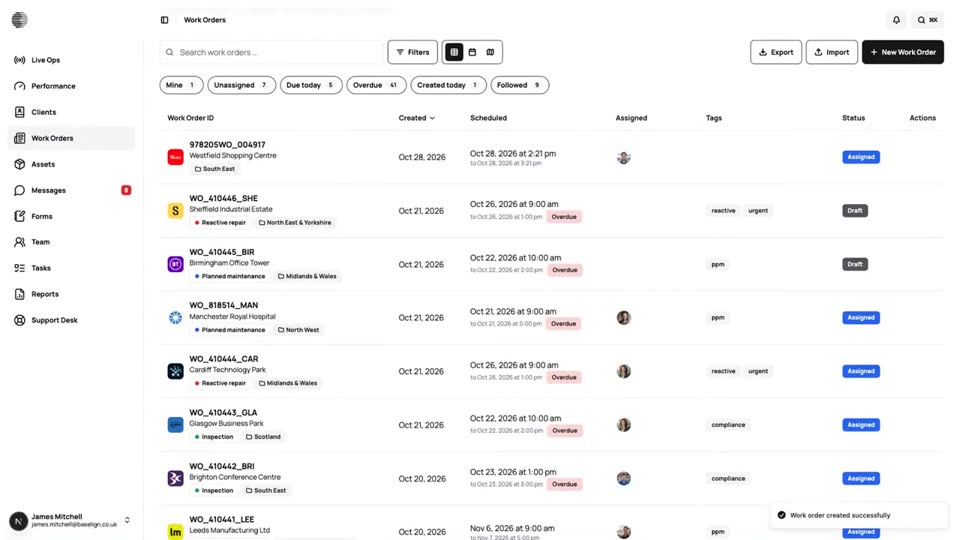
Work Orders
Create, assign and schedule jobs for a client and site, see them on a calendar and a map, and export the full record.
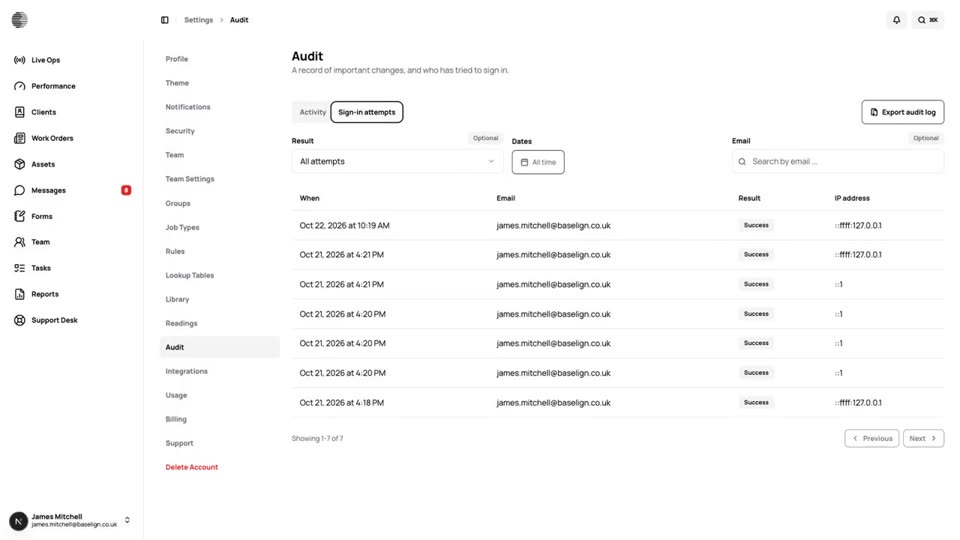
Audit Log
A record of who did what and who signed in, with filters and a one-click export for your auditors.
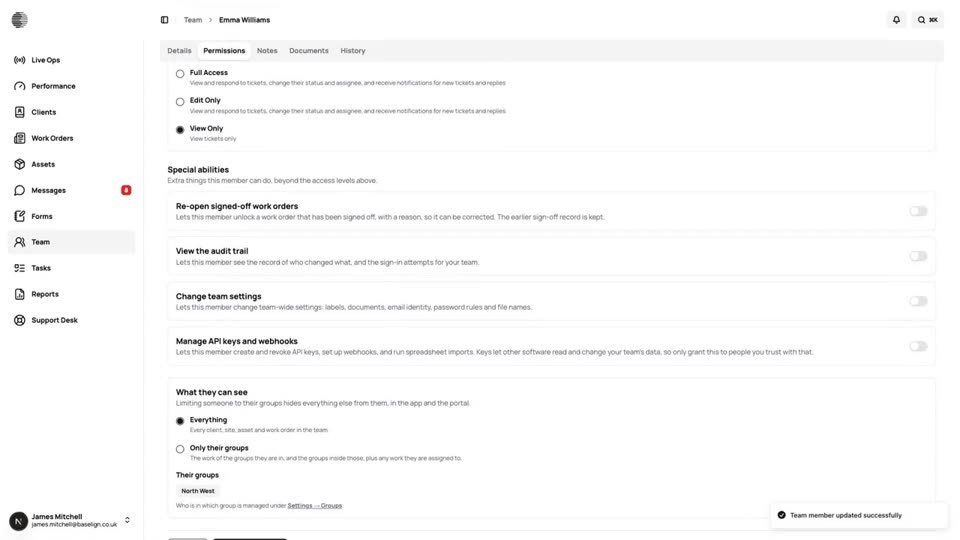
Team & Permissions
Invite people by email, hand out the app, and set what each person can view, edit or manage in every area.
Try Sign-Off & Locking With Your Own Team.
Start a free trial, or tell us what you need and we'll show you around.