
Team & Permissions
Invite people by email, hand out the app, and set what each person can view, edit or manage in every area.
What It Does
Invite a team member by email, and use the Get the app menu to send the store links and a ready-made message to engineers. Then set their permissions: for each area of the platform, such as work orders, assets or forms, choose what they can see and do.
- Email invitations
- Get the app links for engineers
- Permissions per area
- Adjust access at any time
What It Solves
Everyone with full access is a risk, and everyone with too little access is a support request. Per-area permissions let you give each person what they need and no more.
Works Hand in Hand With
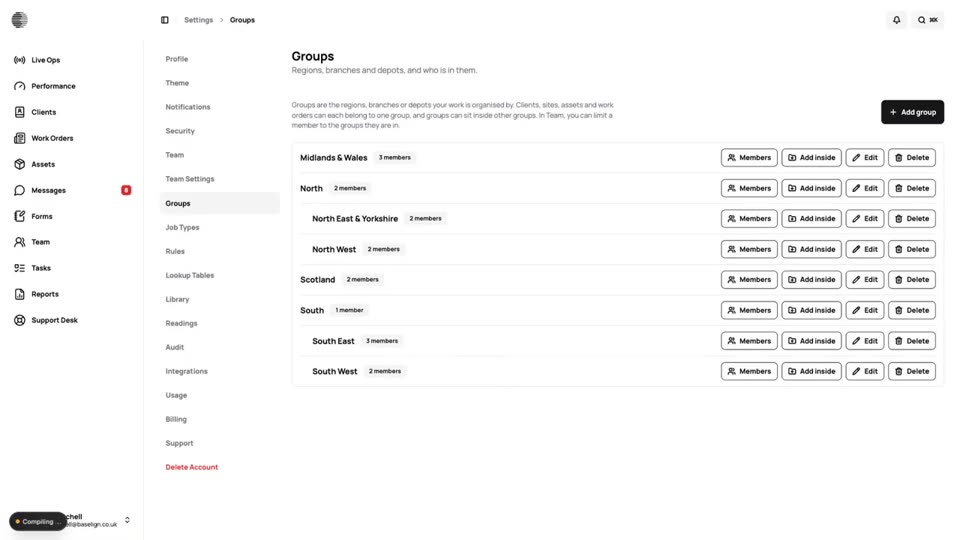
Groups & Scoped Visibility
Organise clients into regions or branches and limit team members to the groups they look after.
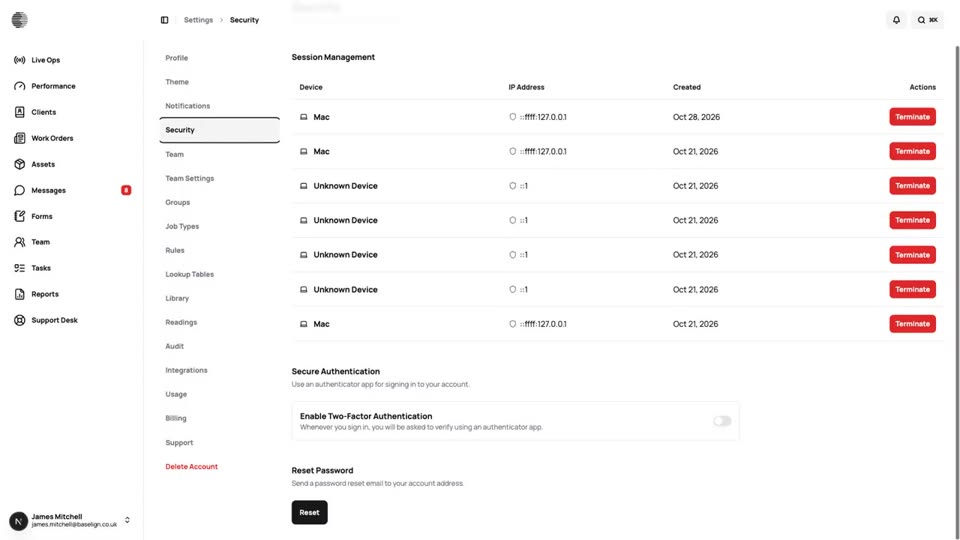
Security
Two-factor authentication, password reset, session control and per-user permissions to keep your account and data safe.
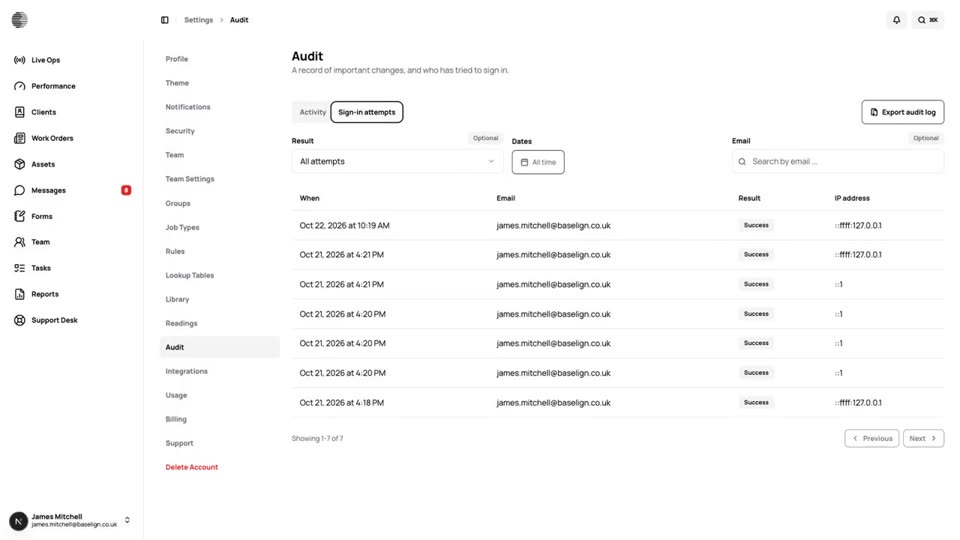
Audit Log
A record of who did what and who signed in, with filters and a one-click export for your auditors.
Try Team & Permissions With Your Own Team.
Start a free trial, or tell us what you need and we'll show you around.