
Service Plans & Automatic Work
Give each asset a service interval, see what is due, and let the platform create the work order ahead of time.
What It Does
Set a service plan on an asset, for example every 365 days, and the platform tracks when it is next due. Assets overdue or due soon are listed so you can see the backlog at a glance.
Turn on Make the work automatically, choose the lead time and the job type, and a work order is created for the visit before it is due.
- A service interval on each asset
- A list of assets due for service
- Automatic work orders with a lead time
- Uses the job type you choose
What It Solves
Planned maintenance fails when someone has to remember it. Service plans keep the schedule with the asset and, with automatic work, create the job for you, so due dates stop being missed.
Works Hand in Hand With
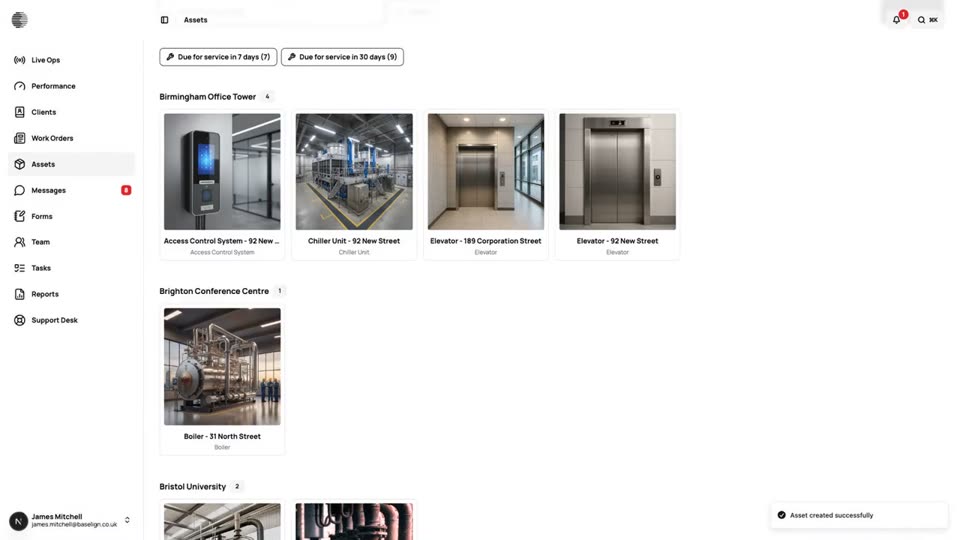
Assets
A register of everything you maintain, with photos, notes, documents, readings and the history of every job done on it.
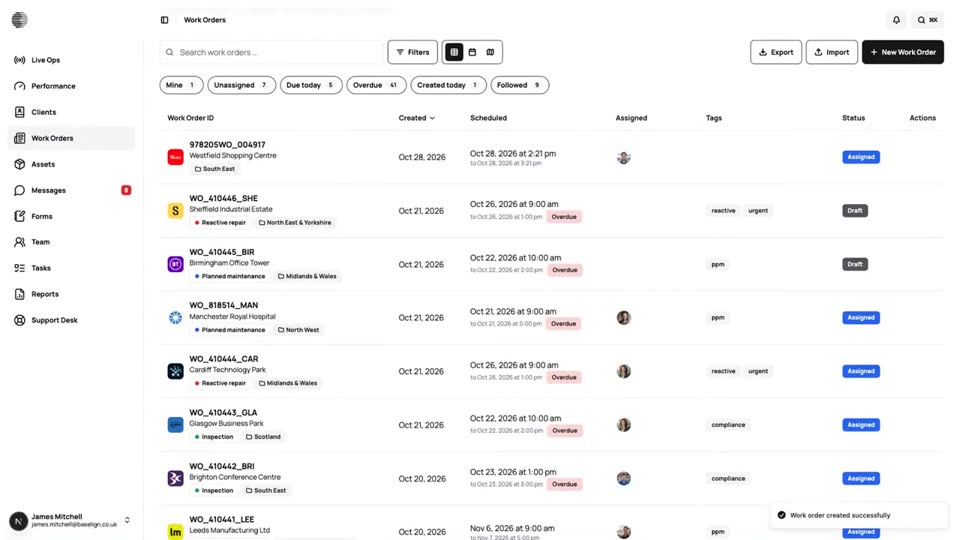
Work Orders
Create, assign and schedule jobs for a client and site, see them on a calendar and a map, and export the full record.
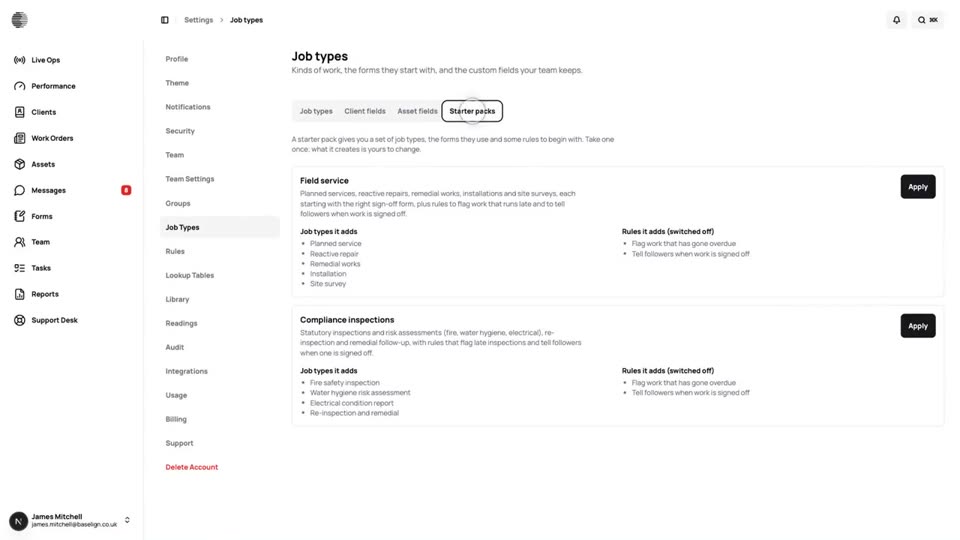
Job Types & Custom Fields
Define the kinds of job you do, with default tags, required forms and your own custom fields, or start from a starter pack.
Try Service Plans & Automatic Work With Your Own Team.
Start a free trial, or tell us what you need and we'll show you around.