
Readings & Tolerance Limits
Record readings such as pressure and temperature against an asset and set limits, so out-of-range values are flagged straight away.
What It Does
Capture readings on an asset, such as pressure or temperature, and see them over time on its Readings tab. Set tolerance limits for each reading in Settings, and any value outside its limits is flagged on the asset.
Readings outside limits also appear as a count on Live Ops and Performance, with a link to the readings concerned, so nothing relies on someone noticing a number on a form.
- Readings recorded against each asset
- Limits set per reading in Settings
- Out-of-range values flagged on the asset
- Counted on Live Ops and Performance
What It Solves
A pressure that has crept out of range is easy to miss when readings sit in individual job forms. Limits turn readings into an early warning, so problems are spotted when the value is recorded rather than when the equipment fails.
Works Hand in Hand With
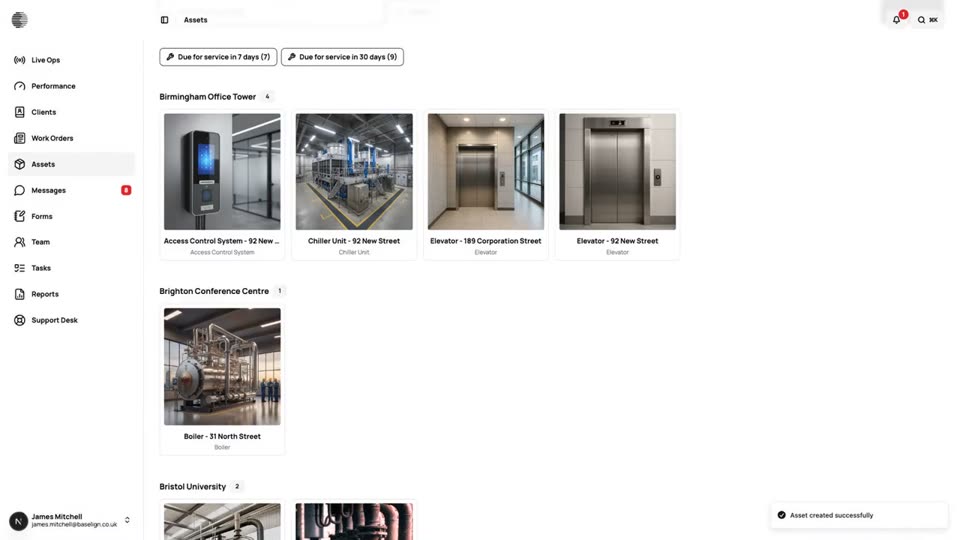
Assets
A register of everything you maintain, with photos, notes, documents, readings and the history of every job done on it.
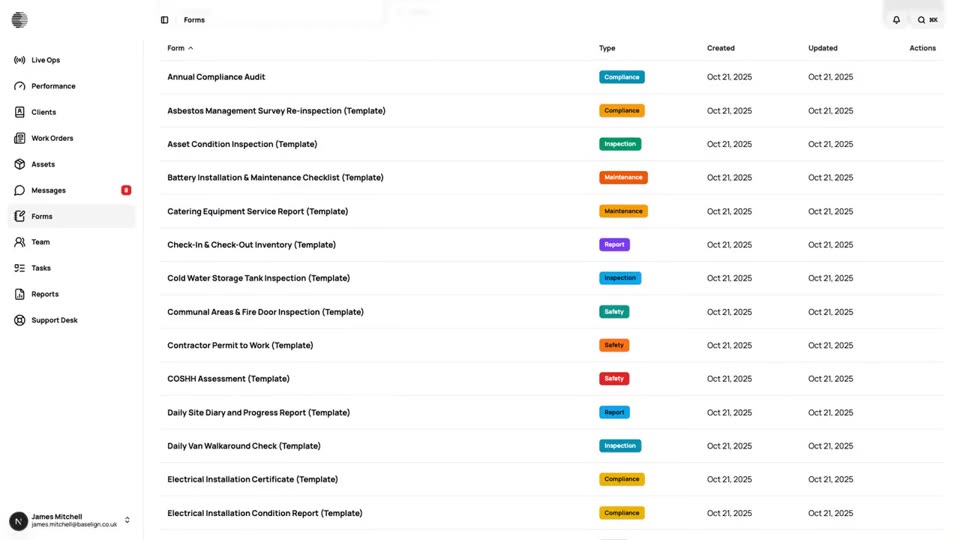
Form Builder
Build inspection and job forms with a drag-and-drop builder, show fields conditionally and review the submissions that come in.
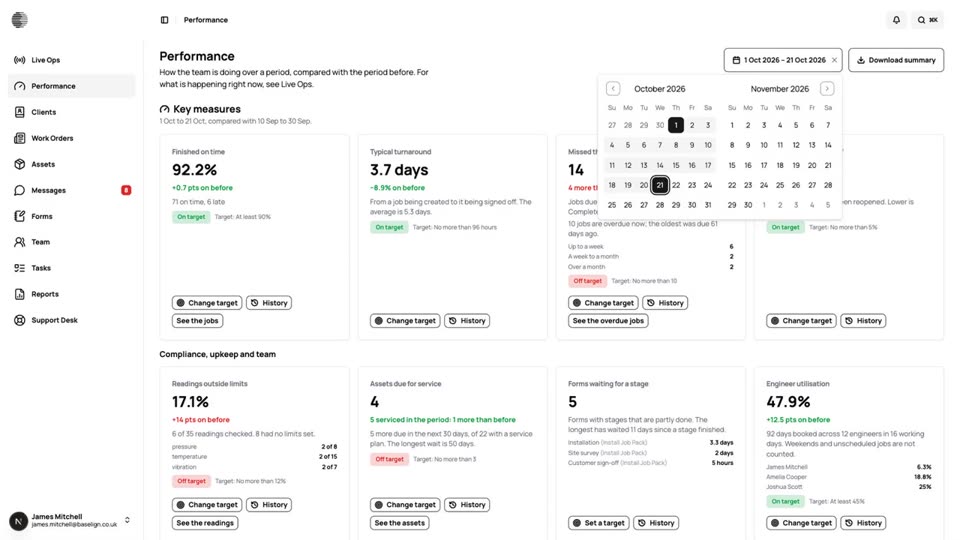
Performance & Targets
Key measures for the period, compared with the one before, with targets, a 90-day history and a downloadable summary.
Try Readings & Tolerance Limits With Your Own Team.
Start a free trial, or tell us what you need and we'll show you around.