
Who Sees Prices
Prices, costs and invoices are hidden from your engineers unless you switch on See prices and costs for them.
What It Does
Each team member has a See prices and costs switch on their Permissions tab, on for administrators and managers and off for technicians. With it off, they still record the labour and parts they use, on the job and in the app, but see no prices, totals or invoices anywhere.
With it on, you choose whether they can view, edit or fully manage quotes and invoices. The server leaves the money out for anyone without the switch, so it is never just hidden on screen.
- Off for technicians by default
- Engineers still record what they use
- View, edit or full access to quotes and invoices
- Enforced by the server, not just the screen
What It Solves
Engineers need to record what they used, but margins and customer prices are the office's business. Controlling who sees money, per person, keeps it that way without a separate system for the office.
Works Hand in Hand With
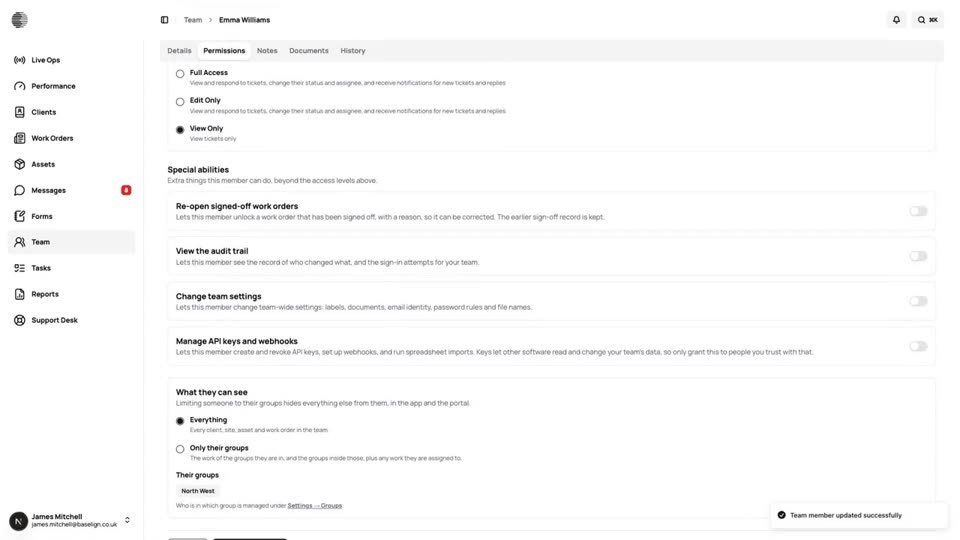
Team & Permissions
Invite people by email, hand out the app, and set what each person can view, edit or manage in every area.
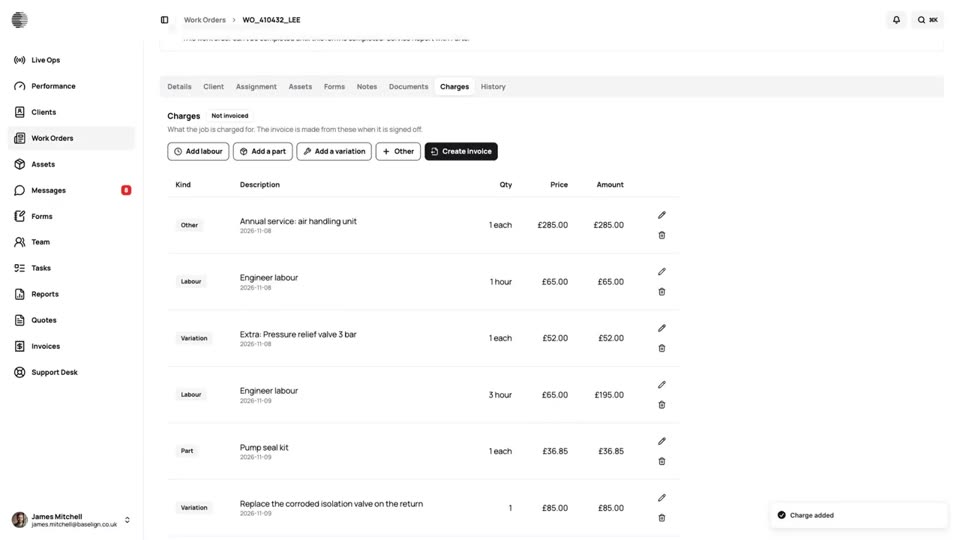
Job Charges
Labour, parts and variations recorded on the job as the work is done, frozen at sign-off and ready to invoice.
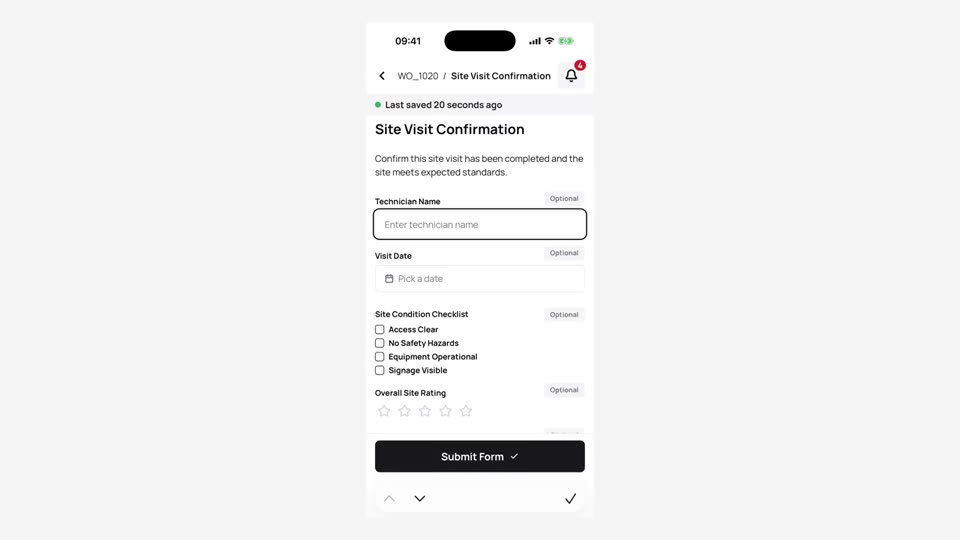
Mobile App
Engineers see their jobs, complete forms with photos and signatures and send the work back, on iPhone and Android.
Try Who Sees Prices With Your Own Team.
Start a free trial, or tell us what you need and we'll show you around.