
Job Charges
Labour, parts and variations recorded on the job as the work is done, frozen at sign-off and ready to invoice.
What It Does
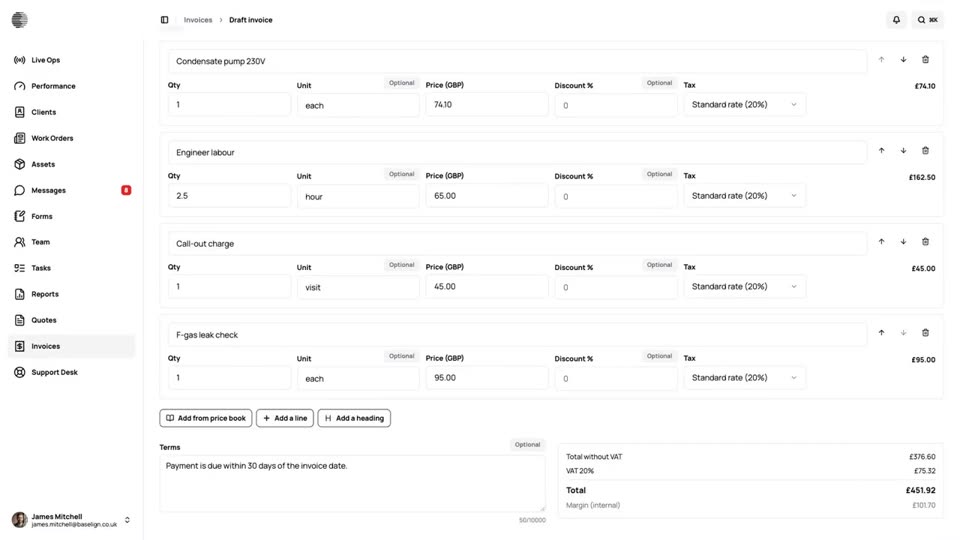
Every work order has a Charges tab. The lines from an accepted quote are already there, and the team adds labour, parts, variations and other charges as the work goes, from the price book or typed in. Engineers record what they did and used from the mobile app, even offline, without seeing prices unless you allow it.
When the job is signed off, its charges become part of the signed-off record and cannot change unless the job is re-opened. The invoice is made from exactly those charges.
- Quoted lines arrive as charges
- Labour, parts and variations
- Recorded from the app, prices hidden from engineers
- Frozen at sign-off
What It Solves
Extra parts and time on site are easy to forget by the time the invoice is written. Recording them on the job as they happen, and freezing them at sign-off, means nothing is left off and nothing is added afterwards.
Works Hand in Hand With
Invoicing
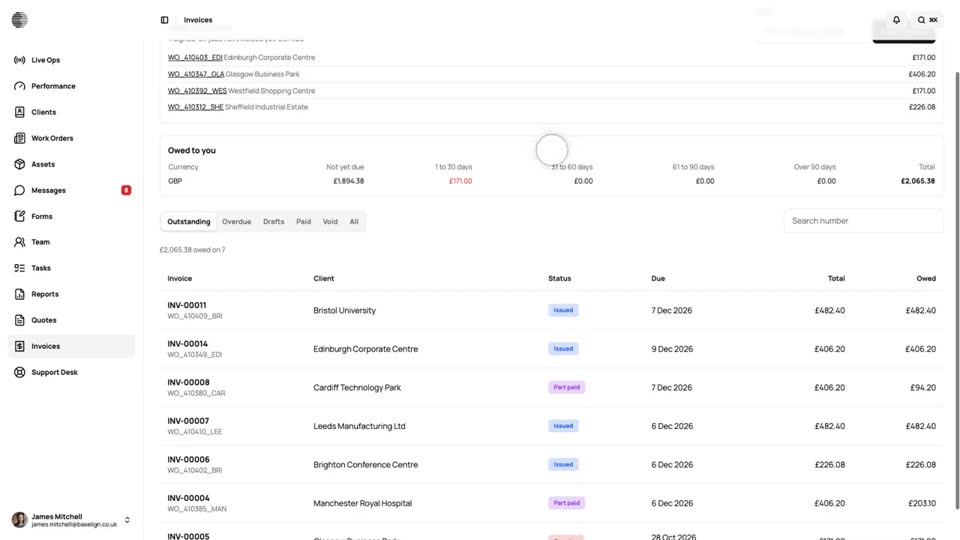
The invoice is drafted when a job is signed off. Check it, issue it and send the customer a link, or invoice a month of jobs in one go.
Who Sees Prices
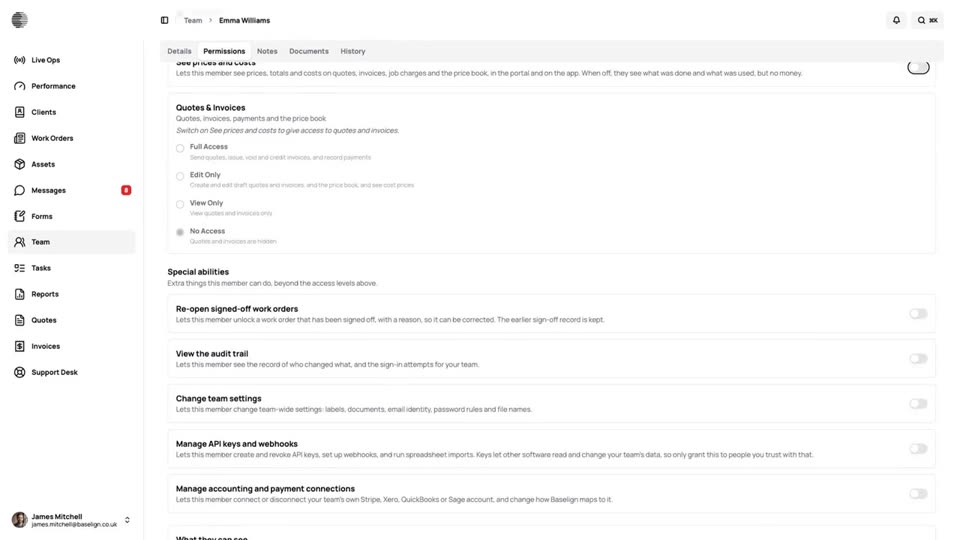
Prices, costs and invoices are hidden from your engineers unless you switch on See prices and costs for them.
Quote to Cash
One job from the quote the customer accepts to the payment in the bank: the work order, the charges, the invoice and the payment, all in Baselign.
Try Job Charges With Your Own Team.
Start a free trial, or tell us what you need and we'll show you around.