
Charges from the App
Engineers log their time, the parts they used and extra work on the job from their phone, even offline, and quote for more work on the spot.
What It Does
On a job's Charges tab in the mobile app, an engineer adds labour, with the hours since the job was started filled in, and the parts they used, picked from your price book. Everything works without signal and is sent when the phone is back online, never twice.
Extra work beyond the quote is added as a variation. If your team asks for it, the customer types their name and signs on the phone to approve it, and the approval stays with the charge. Spotted something else that needs doing? The engineer drafts a quote for more work from the price book, for the office to check and send.
- Labour and parts from the price book
- Works offline, sent when there is signal
- Customer approval with a name and signature
- Quotes for more work from the job
What It Solves
Time and parts written on paper or remembered at the end of the day go missing, and extra work agreed on site turns into a dispute at invoice time. Recording it on the job as it happens, with the customer's approval, means the invoice reflects what was done and agreed.
Works Hand in Hand With
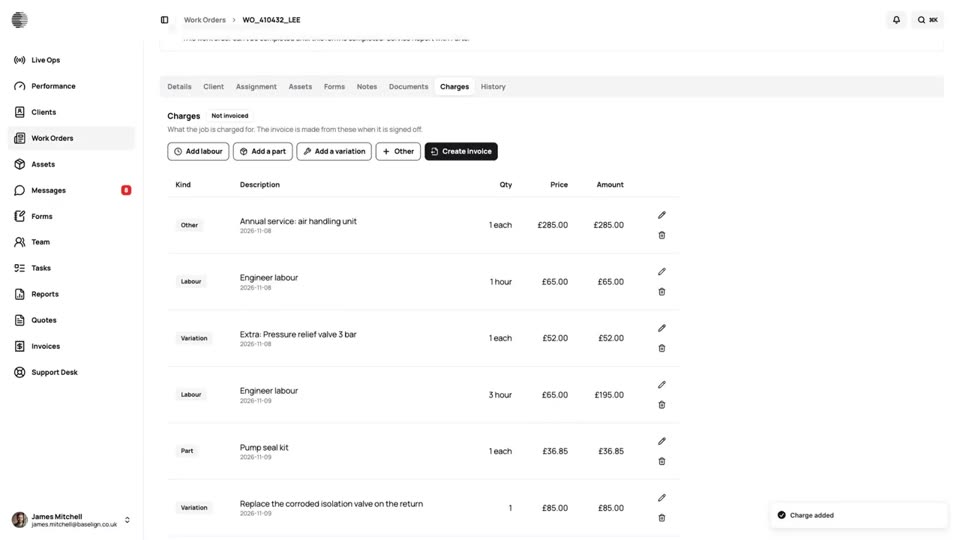
Job Charges
Labour, parts and variations recorded on the job as the work is done, frozen at sign-off and ready to invoice.
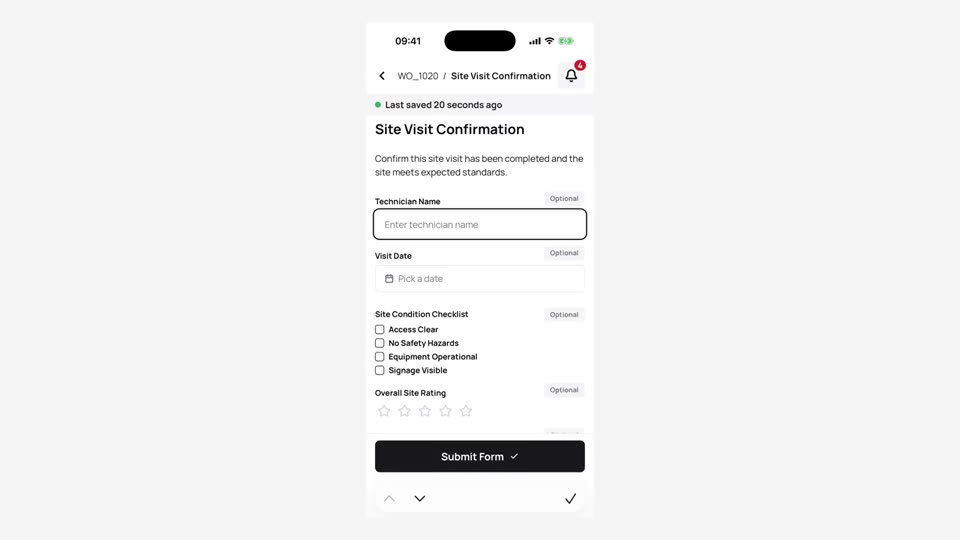
Mobile App
Engineers see their jobs, complete forms with photos and signatures and send the work back, on iPhone and Android.
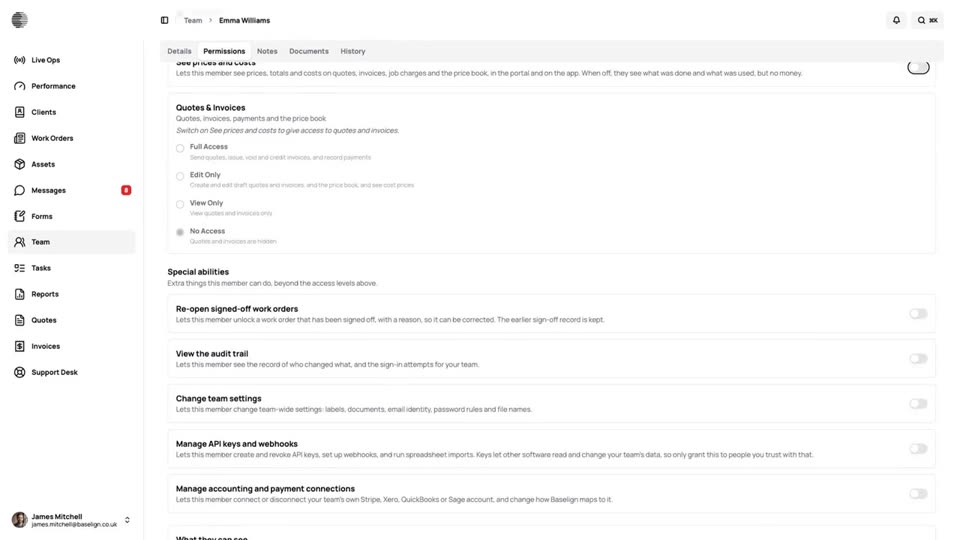
Who Sees Prices
Prices, costs and invoices are hidden from your engineers unless you switch on See prices and costs for them.
Try Charges from the App With Your Own Team.
Start a free trial, or tell us what you need and we'll show you around.